

Preview scenarios before launch
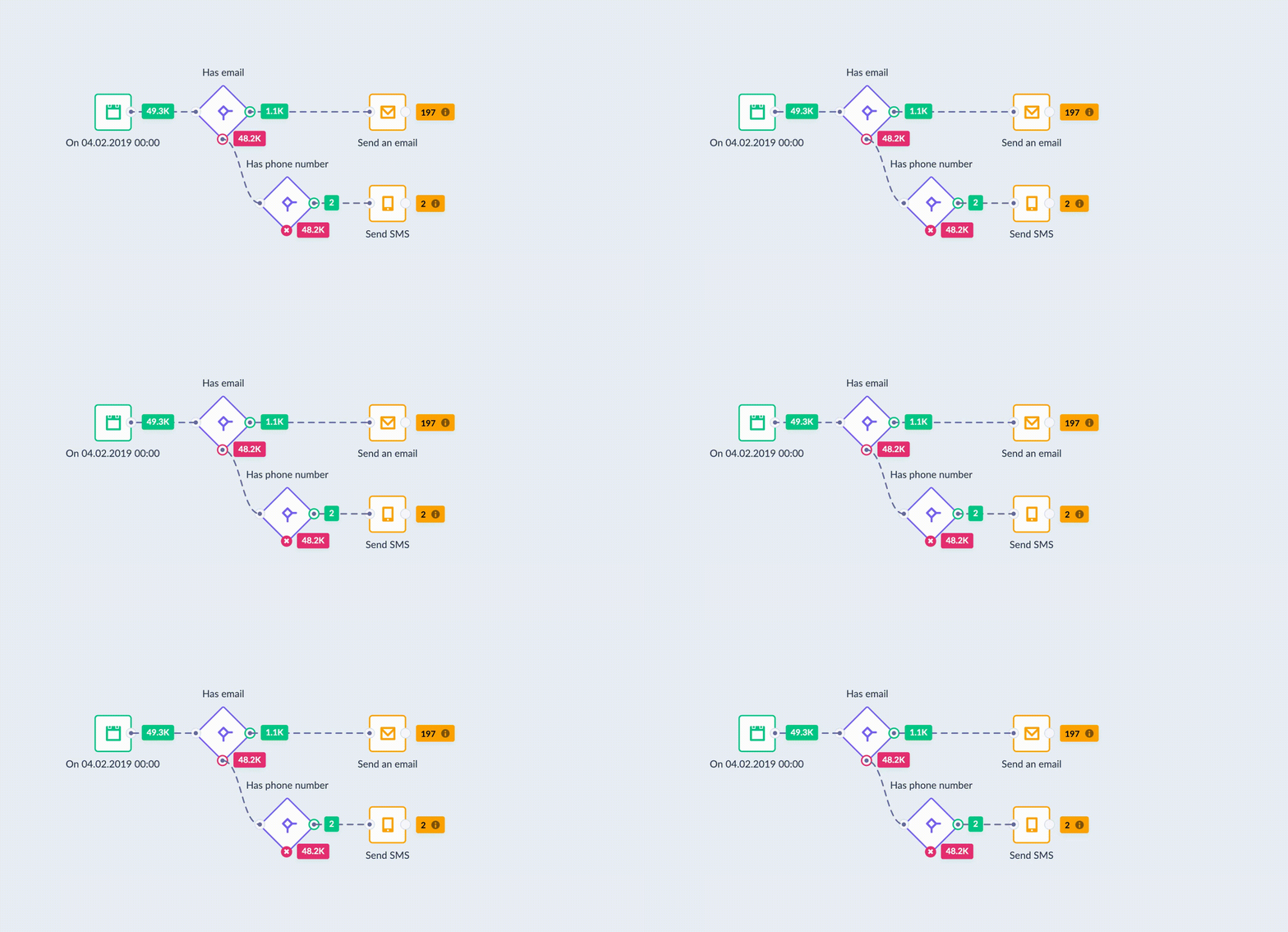
Before you launch your scenario, preview how customers move through it. The preview shows which path customers take based on the conditions you set up.
Open the preview
Click the Preview tab above the canvas. Bloomreach shows an estimated customer flow through your scenario.
Test your scenario
The test runs your campaign as if you launched it right now. It considers:
- All policies you've set.
- A/B split settings.
- Consent settings.
- Other factors that affect your campaign.
ImportantThe test and preview are an estimated dry run and may not be 100% accurate. The actual flow may be different once you activate your scenario.
Preview limitations
Event-triggered scenarios
You can't preview scenarios that start with an On event trigger. These scenarios depend on events that happen after you activate them, so Bloomreach can't predict the flow.
Workaround: Use the Now trigger to approximate how customers flow through your conditions. Replace it with your On event trigger before you launch. Learn more about scenario triggers.
Customer limit nodes
The preview uses probabilities to show how customers pass through limit nodes. This can be imprecise, especially with large audiences.
Example: If you set a limit of 10 customers, the preview might show 12 customers passing through. In the live scenario, exactly 10 customers pass, unless you set a reset.
Other node and trigger limitations
Some nodes and triggers have their own preview limitations:
- Jinja condition nodes: See Flexible operators.
- Parametrized aggregates in API trigger scenarios: See API trigger.
After launch
The preview helps you spot potential issues before launch. Always monitor your live scenario to make sure it works as expected.
Updated about 1 month ago