

Personalized reengagement journey


Use case description
Win back high-value customers with a personalized, omnichannel journey designed to drive repurchases and boost long-term revenue. This automated campaign targets customers who've purchased multiple times but are now at risk of lapsing—their time since last purchase exceeds their typical buying cycle. The scenario reconnects with these valuable customers through Ad Audiences, mobile push notifications, email, and SMS, offering discount incentives to motivate their next purchase. Run this campaign with a strong incentive to reengage customers who can bring substantial revenue in the long run.
Key features
- Reactivates customers through Ad Audiences and direct channels like mobile push, email, and SMS.
- Includes a universal discount coupon in every message to drive conversions.
- Increases customer lifetime value and improves repurchase rates by motivating lapsing customers to buy again.
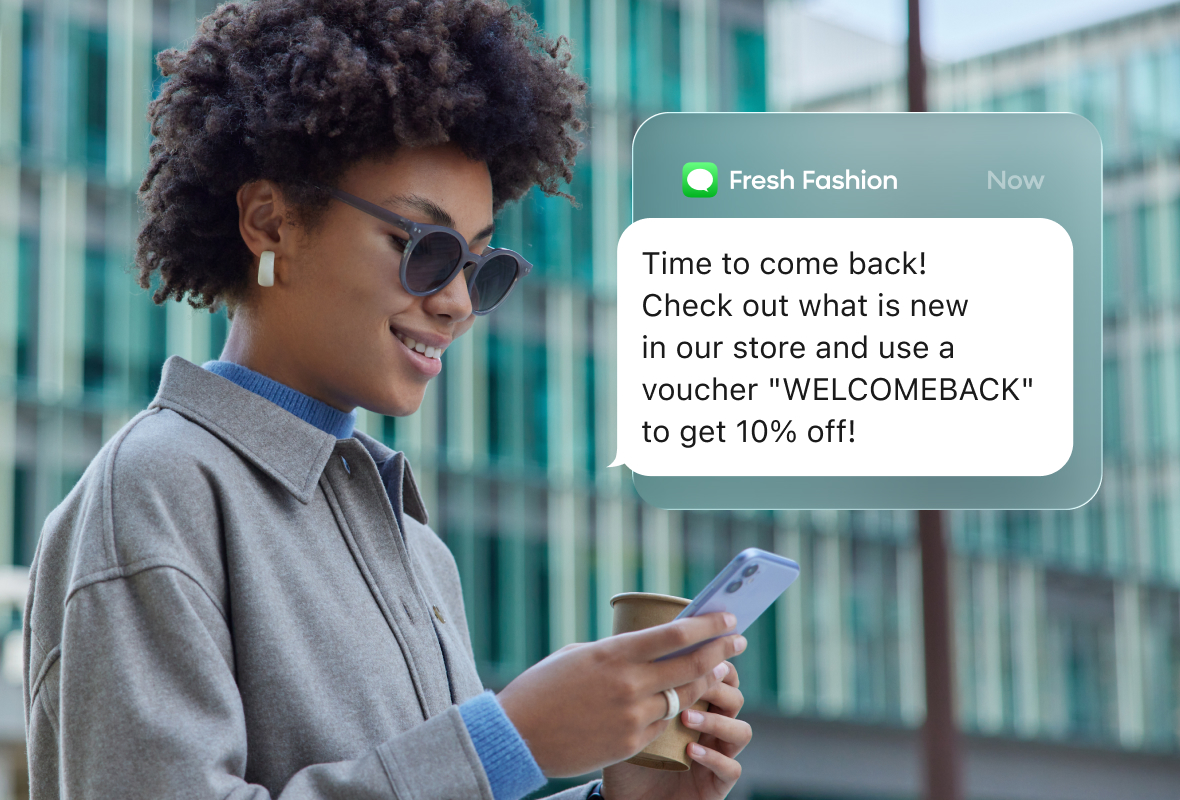
Use case items
With this use case, you’ll get an:
- Scenario: The main automation flow that targets customers based on their purchase frequency and recency, then reactivates them through multiple channels with personalized messaging and discount incentives.
- Evaluation dashboard: A comprehensive dashboard provides insights into user behavior, campaign performance, and overall engagement metrics. The dashboard allows you to evaluate the effectiveness of your marketing strategies and make data-driven decisions.
How to deploy the use case
After downloading the use case, follow these steps.
Meet the requirements
Check if the data in your project meets the requirements. During the deployment process, the Use Case Center lists requirements for each use case.
Understand the use case logic
The Personalized Customer Reengagement use case reactivates lapsing repeat customers by analyzing their purchase patterns and reaching them through multiple channels. Here's how the automation works:
1. Flow trigger
The campaign triggers daily by default, but you can adjust the frequency to weekly or bi-weekly based on your business needs and customer purchase cycles.
2. Customer segmentation
The system calculates each customer's average days between purchases, then compares this baseline to their current purchase recency. If it's been 8 or more days beyond their average frequency since their last purchase, they enter the reactivation flow. For example, if a customer typically purchases every 60 days and it's now been 68 days since their last purchase, they qualify for the campaign.
3. Channel eligibility
The flow attempts contact through multiple channels in sequence—email, mobile push, and SMS. For each channel, the system verifies customer consent and channel availability. For push notifications specifically, it checks for an active push token and valid consent before sending.
4. SMS communication
If email and push notifications aren't viable options, the campaign attempts to reach customers via SMS by verifying they have a phone number on file and have provided SMS consent.
5. Ads retargeting
The campaign simultaneously adds eligible customers to Meta, TikTok, and Google Audiences for ads retargeting, ensuring they have valid consent and contact information for each platform.
Customers are automatically removed from the audience if they make a purchase, as their purchase recency resets and they no longer qualify as lapsing.
Adjust the use case
Now that you understand the use case logic, you can set up the use case according to your needs.
Open the use case and find the panel with adjustable parameters. For guidance, hover over the information icons next to each parameter. Change the settings, design, and copy to reflect your company's brand identity.
- Set up your mobile push notifications.
- Customize the email node.
- Personalize SMS parameter.
- Tailor your Meta, TikTok and Google Ad Audiences.
- Add your discount voucher code to all communication nodes and to the tracking in the Add event "voucher" node.
Test and run the use case
Test a use case before deploying it. Testing ensures you don't send unfinished or imperfect campaigns to your customer base. Test scenario in your use case, or learn more how to test individual use case items:
- Test your mobile push notifications.
- Study email testing.
Once the testing is over, launch the campaign.
Evaluate the results
Remember to run the use case for a few days to see the impact.
After this initial period, use the prebuilt evaluation dashboard to measure and analyze relevant data.
- Open the evaluation dashboard
- Set the attribution window for revenue in hours, for example, 24.
- Click Refresh to see the results.
- Check campaign results regularly to optimize performance.
Updated 7 months ago