

Unified login overview
Unified login rolloutMarketing customers are being upgraded to unified login in several phases. Your registered support contacts will be notified when the login experience is upgraded for your organization. If your account hasn't been upgraded yet, the pre-existing Administration documentation still applies.
Logging into multiple systems with different credentials is time-consuming and increases security risks. Unified login gives you access to all Bloomreach products—Marketing, Search, Conversational agent, and Data hub—through a single URL with one set of credentials.
Your existing SSO setup continues to work without any changes. For information about SSO configuration, see Unified SSO administration.
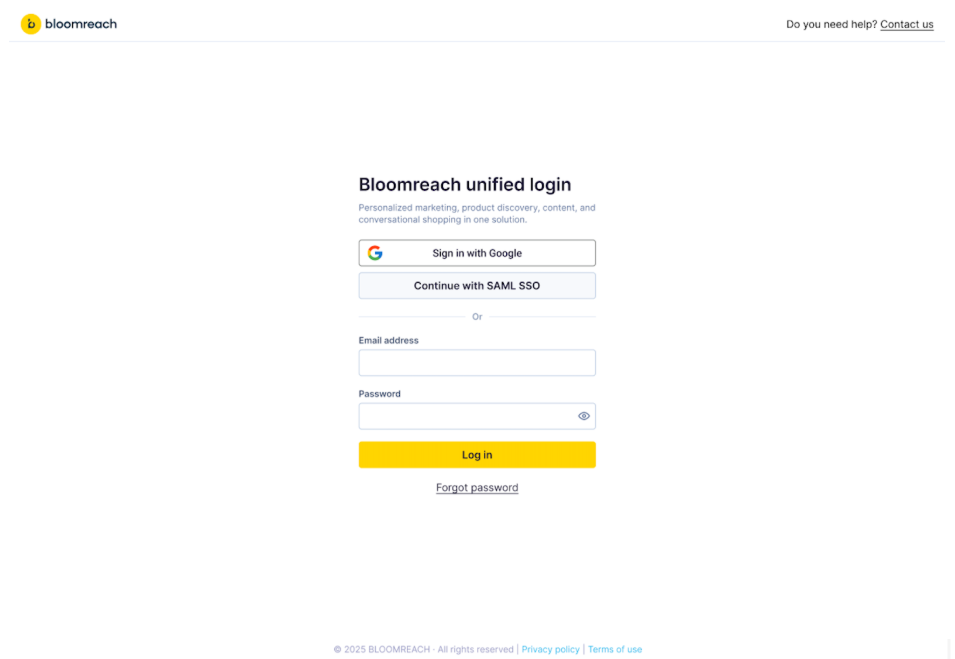
Marketing login
Marketing users have two ways to access unified login:
Option 1: Use your instance URL
Navigate directly to your Marketing instance URL. No region selection or instance ID required.
Option 2: Use regional login page
If you know which region your Marketing instance operates in, use the regional login page directly:
If you know your instance ID, you don't need any additional information.
Search login
As Bloomreach migrates to the unified platform, Search users go through a one-time migration flow.
Migration steps
- One-time password reset: On your first unified login, you'll be prompted to reset your password for security.
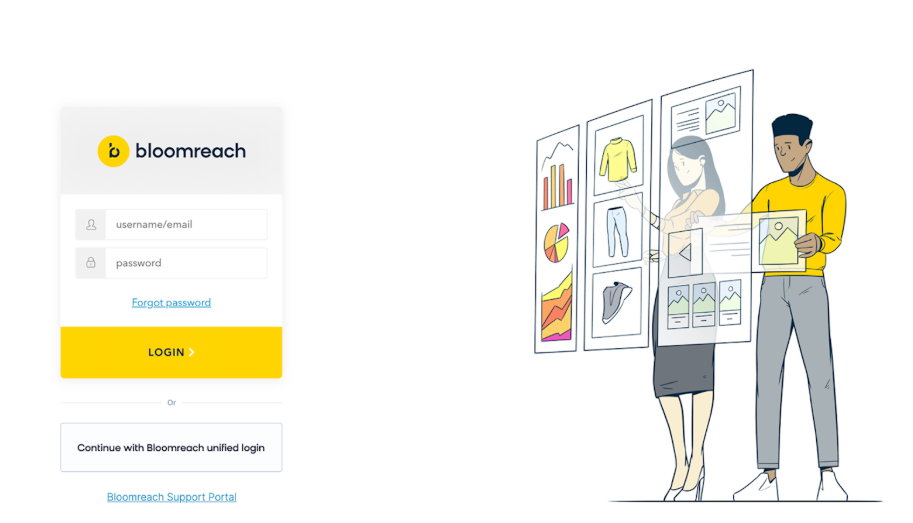
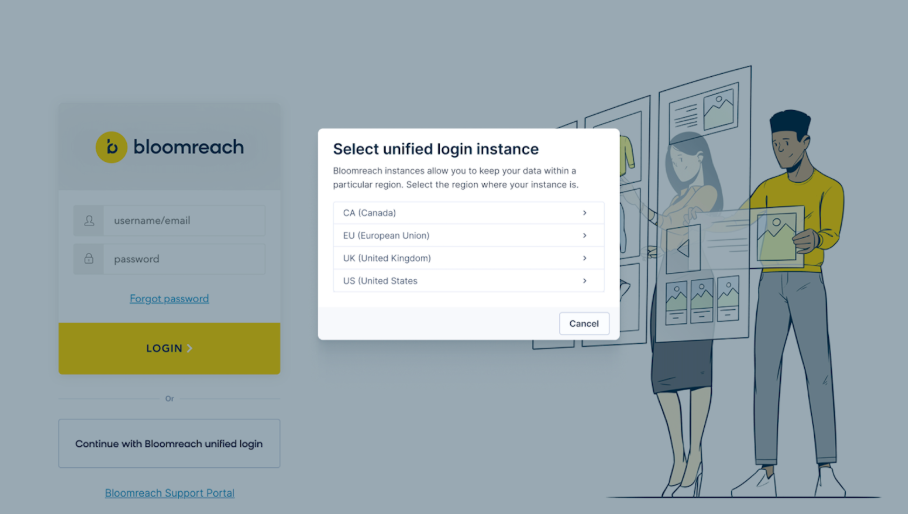
- Region selection: Choose your region from the list.
- Continue with unified login: Select "Continue with Bloomreach unified login."
After this initial setup, use the standard unified login for all future sessions.
Multi-product login
If you use multiple Bloomreach products, log in once and navigate freely between products using the product switcher. No additional authentication required.
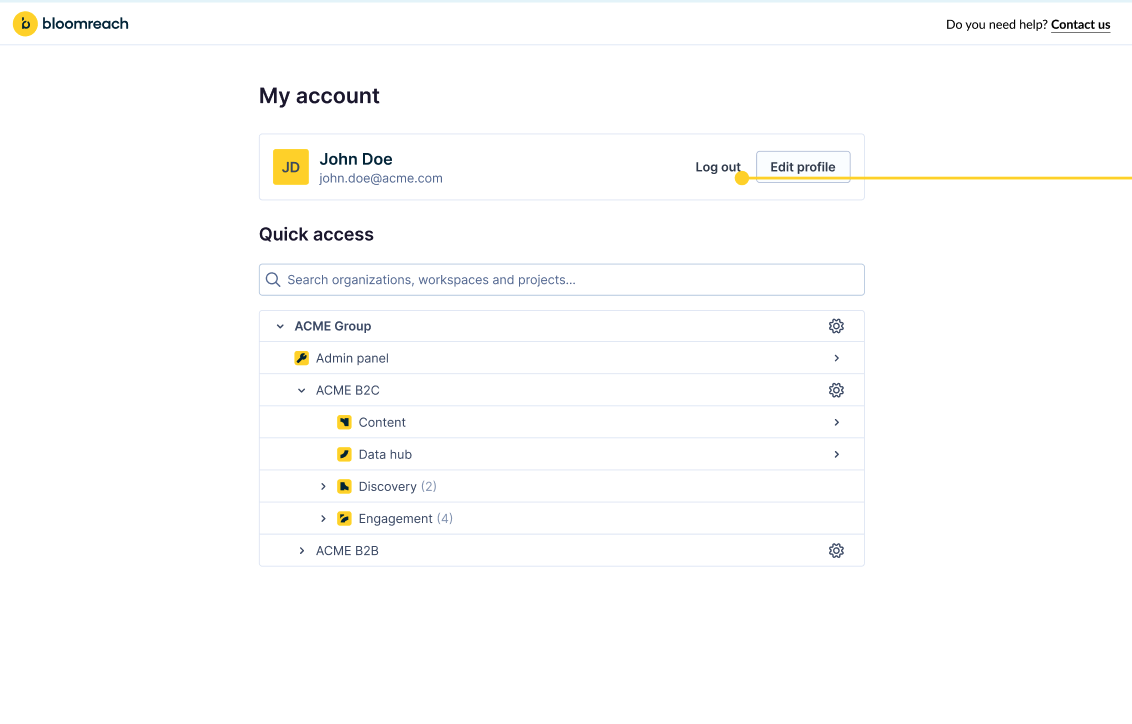
Important changes
If you have Two-step verification enabled, multi-factor authentication is now enforced per project rather than per role. This gives you more control over where additional security is required.
Login FAQ
Read more about Most common login issues.
Updated 3 months ago