

Compound value: AI-driven customer acquisition


Use case description
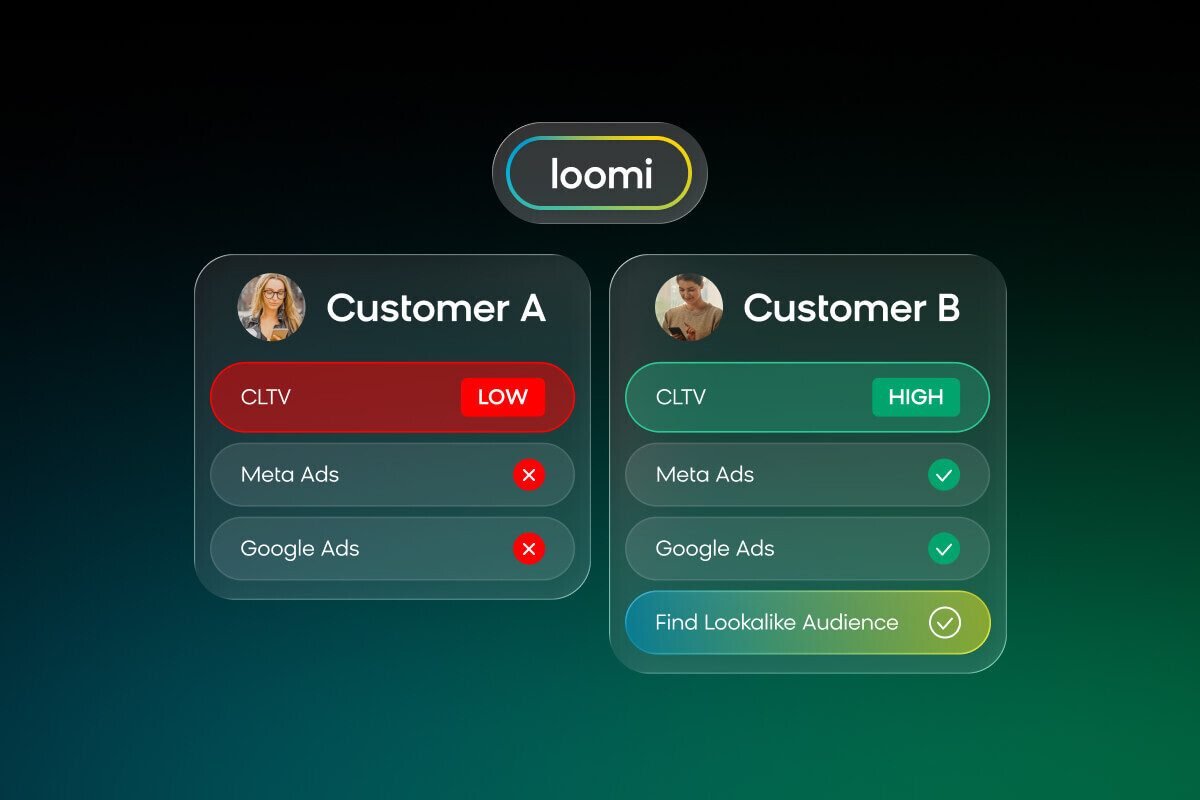
This compound value use case improves the quality of your Google Performance Max (PMax) ad audiences using Bloomreach Autosegments. It identifies customers who both spend well and respond to ads, then exports them as a seed audience to guide Google toward better lookalikes. This methodology has delivered up to 8x improvement in return on ad spend (ROAS), 37% reduction in customer acquisition cost (CAC), and 14% revenue lift across reference customers.
Key features
- Rate-based metrics: Uses percentage-based metrics instead of raw counts, so Autosegments finds customers who genuinely respond to ads — not just those with high session counts.
- Churn-window CLTV: Measures customer value using only recent revenue within your business's churn period, filtering out customers who were valuable in the past but are now inactive.
- Max & Prune attribute strategy: Starts with the broadest set of relevant attributes, then removes dominant surface-level traits to help Autosegments find deeper behavioral patterns.
- Two selection paths: The Outlier path targets a clear high-volume winner segment; the Growth Potential path targets efficient segments that aren't getting enough ad impressions yet.
- Exclusion audiences: Builds suppression lists alongside the seed audience to stop wasting budget on the wrong customers.
- Volume validation: Checks that the segment is large enough to survive the platform's matching process and still deliver a usable signal to Google.
Use case items
This compound value use case has no downloadable scenario. You build it from scratch using standard Bloomreach features:
- 2 calculated metrics: Paid media engagement rate (aggregate) and recent customer lifetime value (CLTV) (aggregate with churn-window filter).
- 1 Autosegments configuration: Set up with rate-based metrics and first-party attributes.
- 1 audience export: Seed audience pushed to Google PMax as an audience signal via the Google Ads integration.
- 1 exclusion segment: Suppression list pushed to ad platforms to prevent wasted spend.
How to deploy the use case
Meet the requirements
Check if the data in your project meets the requirements. The Use Case Center lists requirements for each use case during the deployment process.
Required Bloomreach packages:
- Loomi Platform (Data Engine)
- Loomi Audience Optimization (Autosegments)
- Ad Optimization (Google Ads Audiences)
- Email Marketing (for first-party engagement data).
Data requirements:
- Purchase events with revenue values — minimum 6 months of history, ideally 12+ months.
- Session events with UTM parameters (
utm_source,utm_medium,utm_campaign). - Customer attributes: brand affinity, category affinity, source, gender, or equivalent first-party attributes.
External requirements:
- A Google Ads account with Performance Max campaign capability.
- Google Ads integration configured in Bloomreach.
Minimum data volumes:
- 10,000+ customers with purchase history for meaningful Autosegments clustering.
- Enough paid media sessions for customers to have trackable paid traffic history.
Understand the use case logic
Most ad audiences underperform because they include the wrong customers. This use case solves two specific problems.
Problem 1: The Unresponsive VIP
Some high-value customers only shop via email or direct traffic — they never click ads. If you include them in your seed audience, Google finds lookalikes of people who ignore ads and wastes your budget on audiences that won't click.
Solution: only include customers who actually respond to ads.
Problem 2: The Historical Ghost
Customers who spent heavily years ago but are now inactive mislead Google into targeting people who look like yesterday's buyers, not today's.
Solution: measure customer value using only recent revenue within your churn window, so the signal reflects who's buying now.
The seed audience
The goal is to find customers who meet all three criteria at once:
- High recent CLTV (they spend).
- High paid media engagement rate (they click ads).
- Active within your churn window (they're buying now).
This group is your seed audience — the signal you send to Google that says "find more people like this."
For example, a music retailer could break down customers by genre affinity to find those with high recent CLTV and a high likelihood to click ads — then push that segment to Google as a seed audience for genre-specific PMax campaigns.
The 3-phase approach
- Phase 1 — Metric engineering: Create the two rate-based metrics and choose first-party attributes.
- Phase 2 — Autosegments configuration: Run Autosegments, remove dominant attributes, rerun, and pick the target segment.
- Phase 3 — Validation and export: Check the audience size and export to Google PMax as an audience signal.
Build the use case
Phase 1: Create rate-based metrics
Create both metrics as calculated attributes in Data Manager > Calculated attributes before configuring Autosegments.
Paid media engagement rate
Create a calculated attribute that measures what percentage of a customer's sessions came from paid media.
| Setting | Value |
|---|---|
| Type | Aggregate (ratio/percentage) |
| Numerator | Count of session_start events where utm_medium = cpc or utm_medium = paid or utm_source contains google, facebook, or meta |
| Denominator | Count of all session_start events |
| Time filter | Last 12 months (or your churn window) |
| Output | Percentage (0–100%) |
The formula Bloomreach uses: paid_session_rate = paid_sessions / total_sessions * 100
A customer with 50 paid sessions out of 500 total (10%) behaves very differently from one with 50 paid sessions out of 50 total (100%). The rate — not the raw count — tells Autosegments which customers genuinely respond to ads.
Recent CLTV
Create a calculated attribute that measures customer revenue within your churn window only.
| Setting | Value |
|---|---|
| Type | Aggregate (sum) |
| Event | purchase where purchase_status = "success" |
| Property to sum | Revenue / total amount |
| Time filter | Last N months, where N = your average churn period |
To find your churn period, look at your repurchase data. If 80% of repeat purchases happen within 24 months, use 24 months as your filter. A customer who spent €10,000 three years ago but hasn't spent anything since isn't a useful signal.
Phase 2: Select first-party attributes
Choose attributes that describe meaningful behavioral subgroups — not traits shared by most of your customers.
Include:
- Brand affinity
- Category affinity
- User source
- Gender or demographic attributes
- Purchase frequency tier
- Average order value tier
Exclude:
- Marketing consent status (for example,
newsletter = truefor 90% of users) - Any binary subscribed/unsubscribed flags
- Any attribute where more than 80% of customers share the same value
If a trait applies to 90% of your customers, Autosegments groups by that trait and stops looking for deeper patterns. Removing it forces the AI to find what actually makes your best customers different.
Phase 3: Configure and run Autosegments
Initial run:
- Go to Analytics > Autosegments.
- Set the X-axis to paid media engagement rate and the Y-axis to recent CLTV.
- Add all selected first-party attributes.
- Let Autosegments determine the cluster count automatically, or set 4–6 clusters.
- Run the analysis.
Prune and rerun (Max & Prune):
Review the cluster descriptions. If a dominant attribute appears across most clusters — for example, "Lives in London" in 4 of 6 clusters — remove it and rerun. Repeat until clusters describe buying behavior and channel preferences rather than demographics. This typically takes 2–4 rounds.
Phase 4: Select the target segment
Choose one of two paths based on your results:
Path A — The Outlier
Select the cluster in the top-right corner of the scatter plot: customers with high paid media engagement rate and high recent CLTV. Use this path when you have a clear, large winner cluster. This is your seed audience.
Path B — Growth Potential
Look for clusters where multiple performance metrics are strong — for example, high conversion rate and high average order value — but ad traffic volume is lower than average. These customers are efficient but underexposed to ads. Use this path when no single cluster clearly dominates or your top-right cluster is too small.
Phase 5: Verify audience volume
Before exporting, check that your segment is large enough to survive the platform's matching process:
| Stage | Expected loss |
|---|---|
| Raw segment in Bloomreach | 0% (starting point) |
| Export to Google Ads | 0% |
| Google Customer Match | 10–50% loss |
| Effective audience signal | 50–90% of raw segment |
Minimum thresholds:
- Raw segment: ~10,000 customers ideal.
- After matching: more than 1,000 matched customers for Google to use the signal.
If your segment is too small (fewer than 5,000 raw customers), widen the CLTV window by 6 months, lower the paid engagement threshold slightly, or merge the top two Autosegments clusters.
If your segment is too large (more than 30% of your customer base), add another pruning round or export only the top quartile.
Phase 6: Build exclusion audiences
Create suppression segments to push to your ad platforms alongside the seed audience:
| Segment | Definition | Why exclude |
|---|---|---|
| Recent purchasers | Purchased in the last 14 days | Don't pay to re-acquire someone who just bought |
| Churned customers | No purchase in more than 2x the churn window | Google targets inactive lookalikes |
| High returners | Return rate above 50% | Acquiring more of these costs money and margin |
| Low CLTV | Bottom 20% by recent CLTV | Not worth the acquisition cost |
| Email-only responders | 0% paid sessions, all email or direct | They don't click ads — wasted impressions |
Phase 7: Export to Google PMax
- Go to Integrations > Google Ads Audiences.
- Select your seed audience segment.
- Export as a Customer Match audience (hashed emails and phone numbers).
- In Google Ads, add this audience as an audience signal in your PMax campaign settings.
WarningUse audience signals, not hard targeting. Audience signals tell Google "start here but explore" — which is the correct approach for PMax campaigns.
Refresh frequency: Re-export the audience daily or set up automated sync. Rerun Autosegments quarterly or after major business changes such as a new product line or seasonal shift.
Test and run the use case
Validate your metrics
Spot-check 10–15 customers manually:
- Does their paid media engagement rate match what you'd expect from their session data?
- Does their recent CLTV match their purchase history within the churn window?
Validate Autosegments results
- Do cluster descriptions make behavioral sense?
- Is the top-right cluster meaningfully different from the general population?
- Is the segment size above 5,000 raw customers?
Test the export
- Export to Google Ads.
- Check the Customer Match audience in Google Ads Manager.
- Verify the match rate (expect 40–60%).
- Confirm the matched audience is above 1,000.
Run a controlled test
- Create two identical PMax campaigns — one with your seed audience as an audience signal, one without.
- Split the budget 50/50.
- Run for a minimum of 30 days.
- Compare ROAS, CAC, conversion rate, and new customer quality (first-purchase AOV and 90-day CLTV).
Monitor results weekly — check ROAS trend, audience match rate, and campaign spend efficiency. Monthly, review whether newly acquired customers from signaled campaigns show higher CLTV than non-signaled ones.
Advanced setup
Category-specific seed audiences
For brands with diverse product lines, run separate Autosegments analyses per product category. A high-value fashion buyer looks very different from a high-value electronics buyer. Push category-specific audiences to category-specific PMax campaigns for sharper signals.
Suppression-only quick win
Not ready for the full Autosegments analysis? Start with just the exclusion audiences. Pushing suppression segments (recent purchasers, churned customers, high returners) to Google Ads cuts wasted spend immediately — often saving 10–20% of monthly budget with no impact on acquisition volume.
Cross-platform application
The methodology works for Meta (Facebook/Instagram) Custom Audiences too. Export the same seed audience to Meta alongside Google. Match rates differ per platform — Meta typically matches higher than Google — so verify thresholds per platform.
Coordinated onboarding for acquired customers
Connect this use case with Bloomreach scenarios: when a newly acquired customer (attributed to the PMax campaign via UTM) makes their first purchase, trigger a personalized onboarding flow. This closes the loop from acquisition to activation and compounds the value of your improved ad targeting.
Updated 24 days ago