

Date filters
Date filters limit your data to events that occurred within a specific time range. They work with the timestamp attribute tracked automatically on every event, or any attribute stored in UNIX timestamp format. Some string date formats may also be parsed automatically on a best-effort basis, but UNIX timestamps are recommended for reliable results. Date filters aren't available for customer attributes—those are static values, not time-stamped events.
Report-level vs. metric-level filters
In reports, you can set a date filter at the report level and for each metric individually. When both are set, they combine using AND logic — Bloomreach returns only the intersection. Report-level date filters don't apply to events inside customer filter funnels.
Date filters applied at the report and metric level.
Absolute date range
An absolute date range filters events between 2 fixed dates—for example, between January 1, 2015 and March 1, 2016. You can remove the constraint from one side using the From start or Until now checkboxes, which make that boundary dynamic.
Relative date range
A relative date range is calculated from the current time and changes continuously. The key rules to remember:
- For days, the period starts at midnight of the specified day.
- For months, the period starts on the first day of the specified month.
- The same logic applies to all other time units.
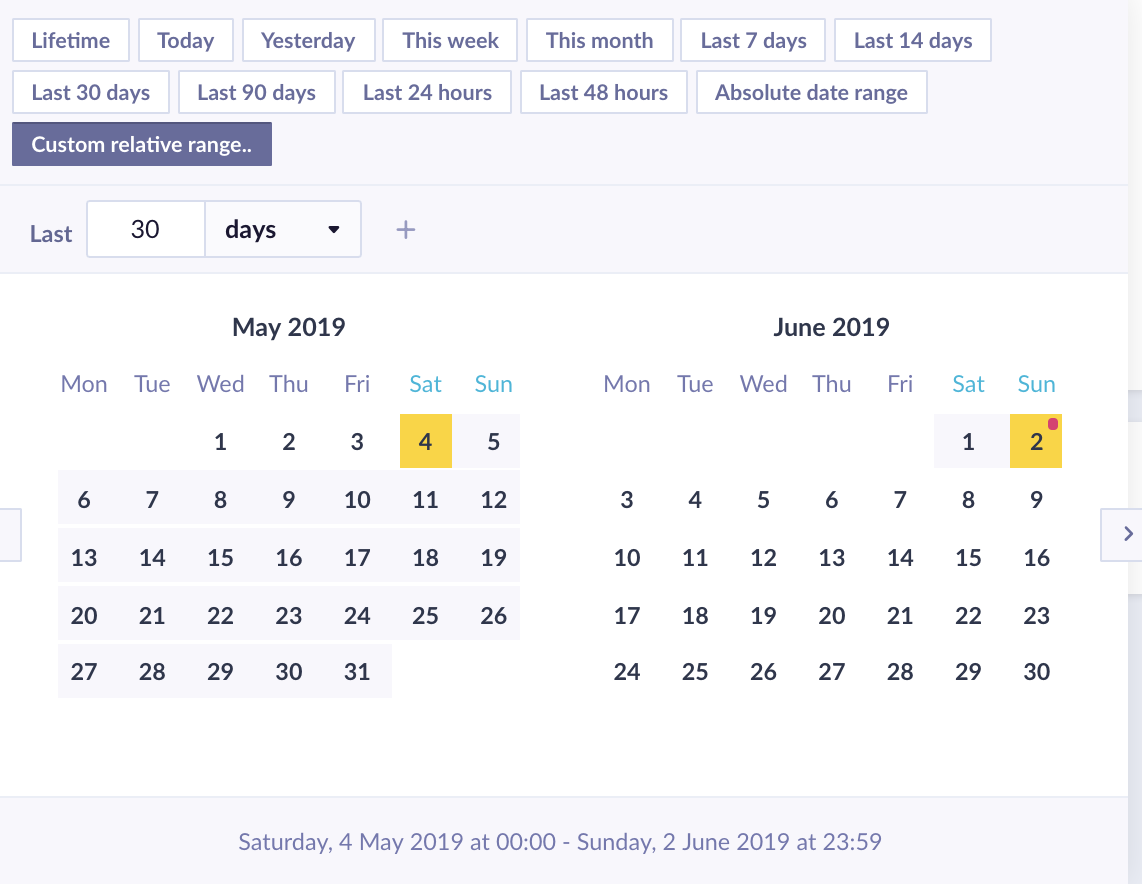
Example: If the current time is June 2 at 15:00 and you filter last 1 day, you'll get events from midnight today — only 15 hours of data. To cover a full 24-hour window, use last 24 hours instead.
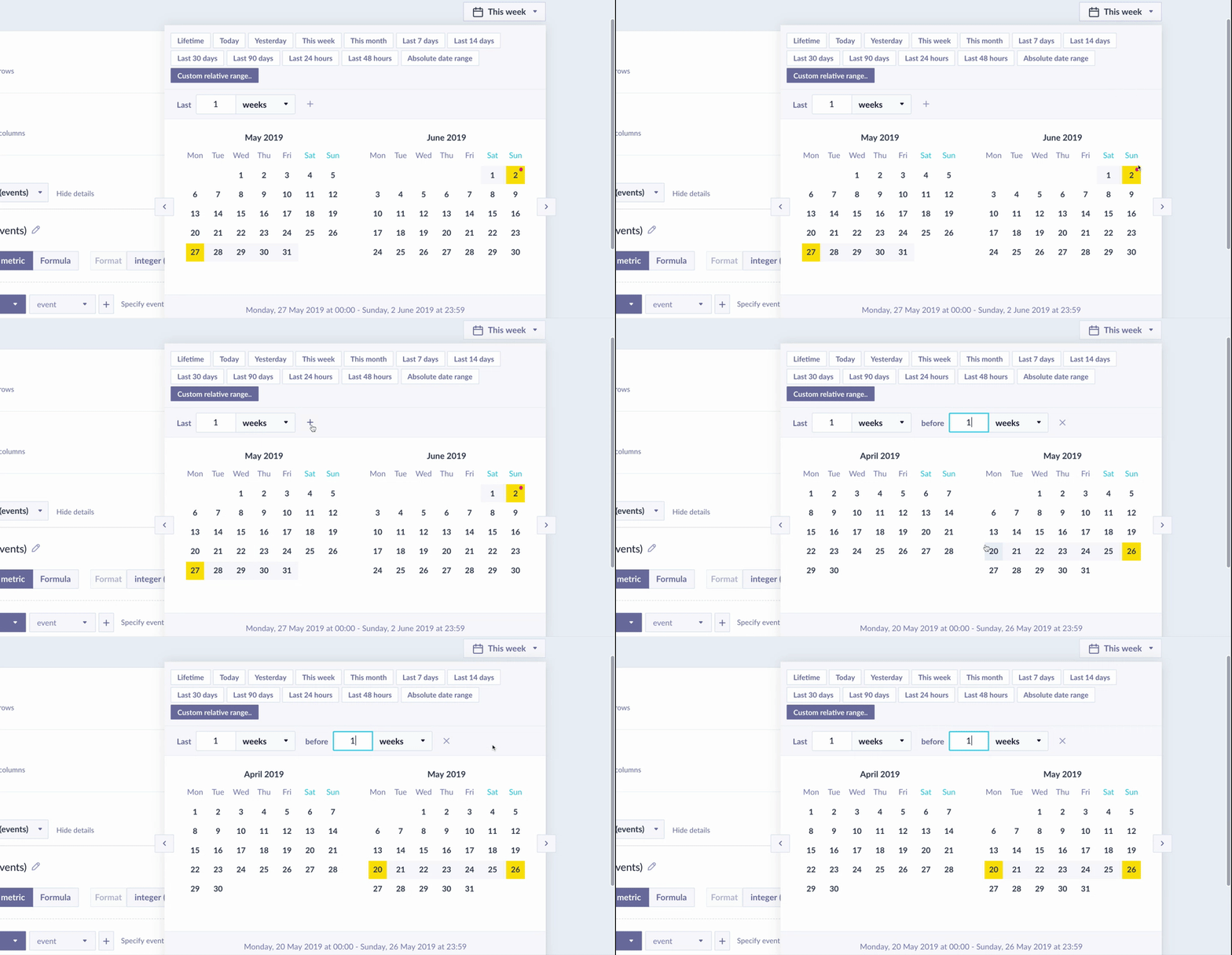
The calendar shows the selected date range as you configure a relative filter.
The relative range can be selected from preset options or fully customized. If you're unsure, the calendar always shows you the exact date range your selection covers.
Important
last 1 weekandlast 7 dayscan return different results because of how period start dates are calculated.
Examples
Filter customers with a purchase anniversary today
"Today" is relative. It always refers to the current date and repeats annually.
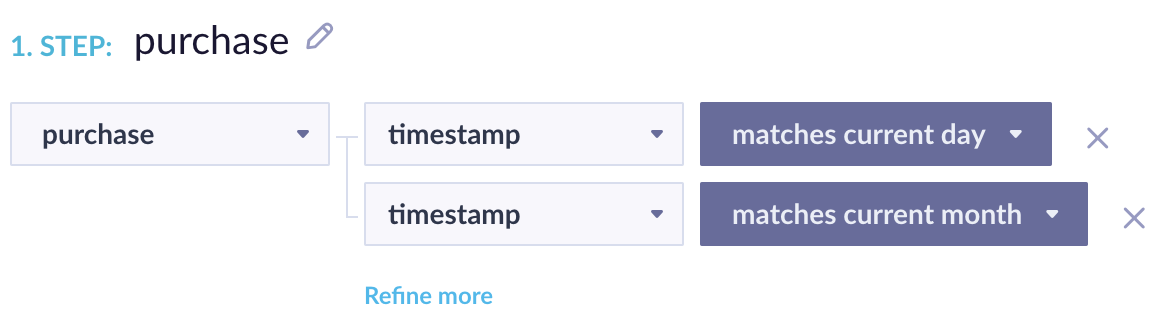
Filter matching customers whose purchase anniversary falls on today's date.
Filter customers who purchased on January 1 of any year
This targets a fixed calendar date regardless of year.

Filter matching customers who made a purchase on January 1, any year.
Updated 2 months ago