

Filter operators
Operators define the conditions inside a filter. For example, equals, greater than, or is true. They work in both customer and event filters. Operators are generally case-insensitive. Recommendation catalog filters are the exception—string matching is case-sensitive. Filtering for "red" won't match "Red" or "RED".
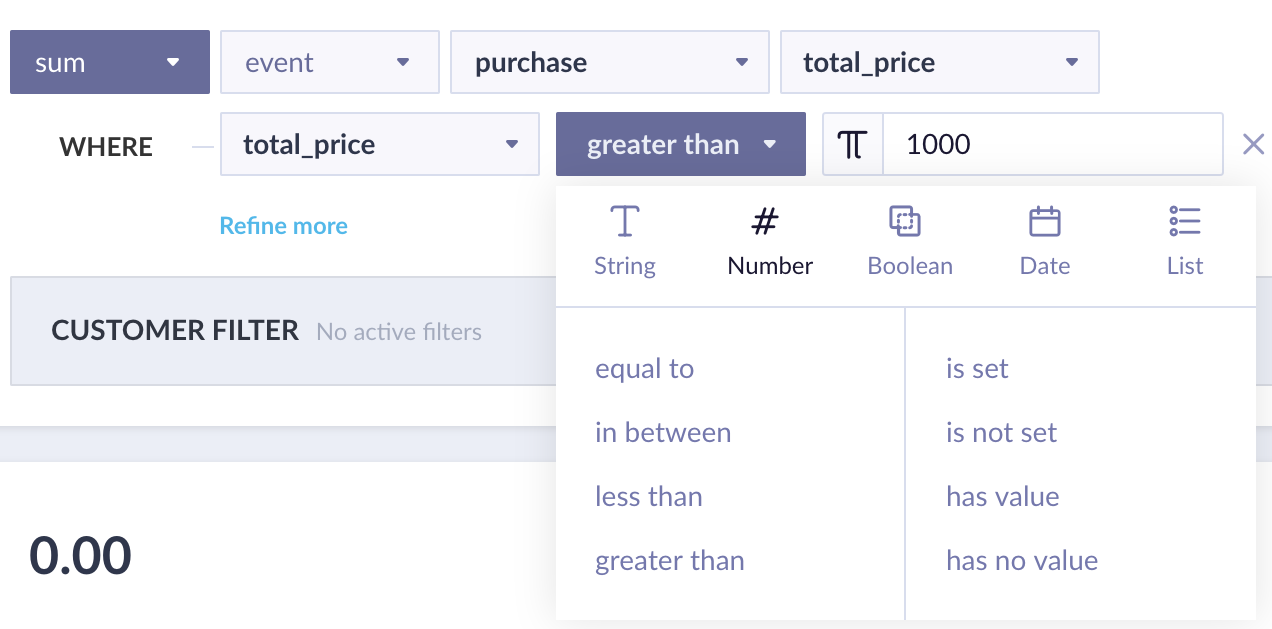
Available string operators in a Bloomreach filter.
You can compare against a static value or against another attribute using the π button.
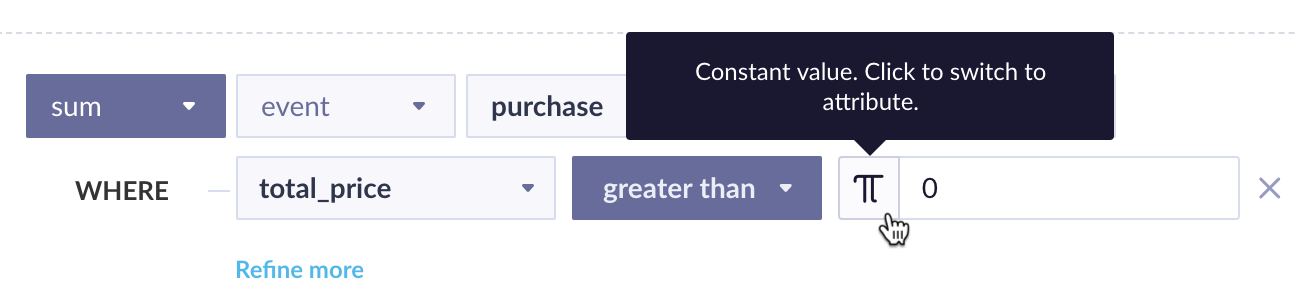
Compare a filter value to a static input or to another attribute.
Special operators
| Operator | Behavior |
|---|---|
is set | True if the attribute has any value, including an empty string. |
is not set | True if the attribute has no value at all (null). |
has value | True if the attribute has a non-empty value (string length > 0). |
has no value | True if the attribute is empty or null. |
String operators
| Operator | Behavior |
|---|---|
equals | Exact match to the specified string. |
does not equal | Must be set, but different from the specified string. |
in | Must match one value from a list. Maximum 5,000 values. |
not in | Must be set, but different from all values in a list. Maximum 5,000 values. |
contains | The specified value must appear within the attribute. |
does not contain | The specified value must not appear within the attribute. |
starts with | Must match the opening characters of the string. |
ends with | Must match the closing characters of the string. |
matches regexp | Must match a regular expression. Uses RE2 syntax. Not case-sensitive by default — use the (?-i) flag to enable case sensitivity, for example (?-i)._[a-z]. |
List data typesWhen filtering a list attribute using all_items, empty lists will match because "all items equal X" evaluates as true for an empty list. To exclude empty lists, add a has value condition.
Number operators
| Operator | Behavior |
|---|---|
equals | Exact numeric match. |
in between | Includes both boundary values. |
less than | Excludes the boundary value itself. |
more than | Excludes the boundary value itself. |
ImportantIf one segment uses
age is less than 18and another usesage is more than 18, customers who are exactly 18 fall into neither segment. Usein betweencarefully for the same reason—if you define0–50and50–100, the value50appears in both segments.
Boolean operators
Boolean operators match true/false values and also 1/0. Attributes with no value or a different value type won't match either operator.
- is true
- is false
Date operators
These operators compare attributes in the date format to the current time. To better understand how to work with these operators, see the examples section.
more than | A relative time period further in the past or future than the specified distance. |
less than | A relative time period closer in the past or future than the specified distance. |
matches range | Any date within a specified absolute date range. |
matches current day | Day of the month matches the current day. |
matches current month | Month matches the current month. |
matches current year | Year matches the current year. |
second matches | Event occurred in a given second of a minute (1–60). |
minute matches | Event occurred in a given minute of an hour (1–60). |
hour matches | Event occurred in a given hour of a day (1–24). |
weekday matches | Event occurred on a given day of the week (1–7, where 1 = Monday). |
day matches | Event occurred on a given day of the month (1–31). |
month matches | Event occurred in a given month (1–12). |
year matches | Event occurred in a given year (enter the full year, for example 2019). |
Supported operators for catalogs: more than, less than, matches range, matches current year.
Supported time formats: UNIX timestamp, Y-M-D, D-M-Y, M/D/Y, D.M.Y — with optional H:M or H:M:S.
List operators
List operators extend any standard operator with a scope condition: whether all items in the list must meet the condition, or whether at least one item must meet it.
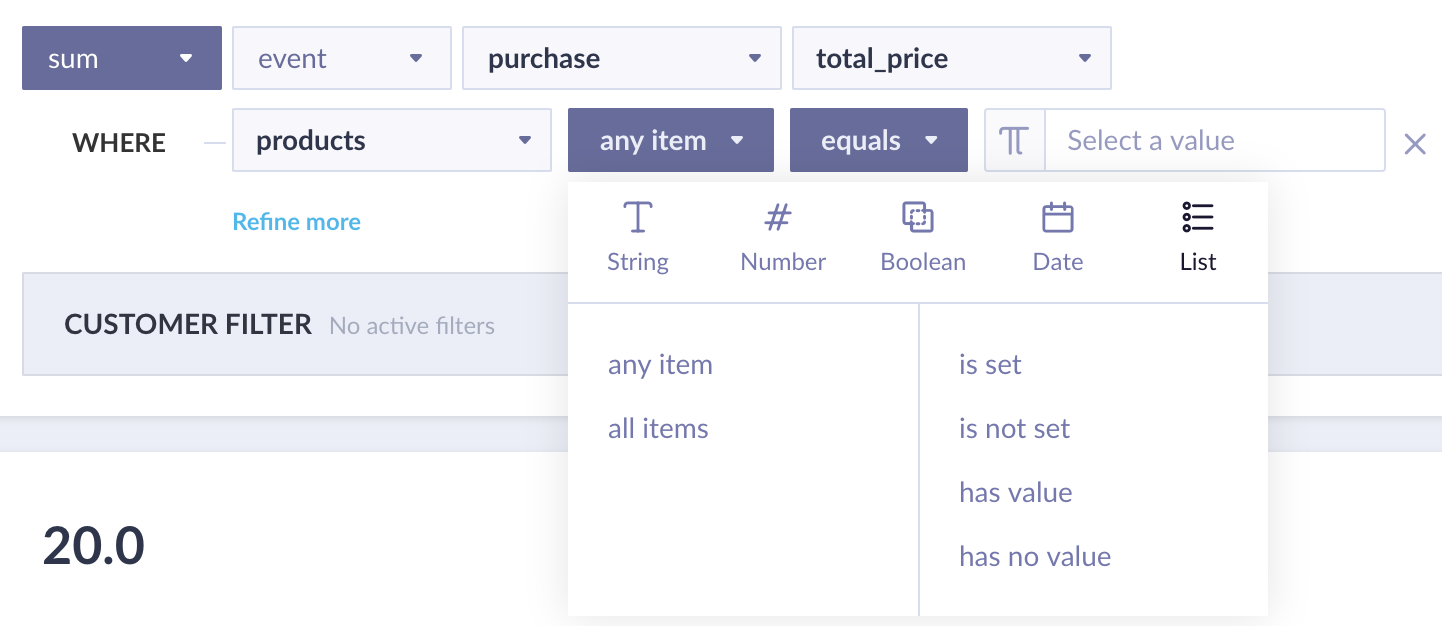
List operator scope options — all items or at least one item.
Updated 3 months ago