

Evaluate using recommendations dashboard
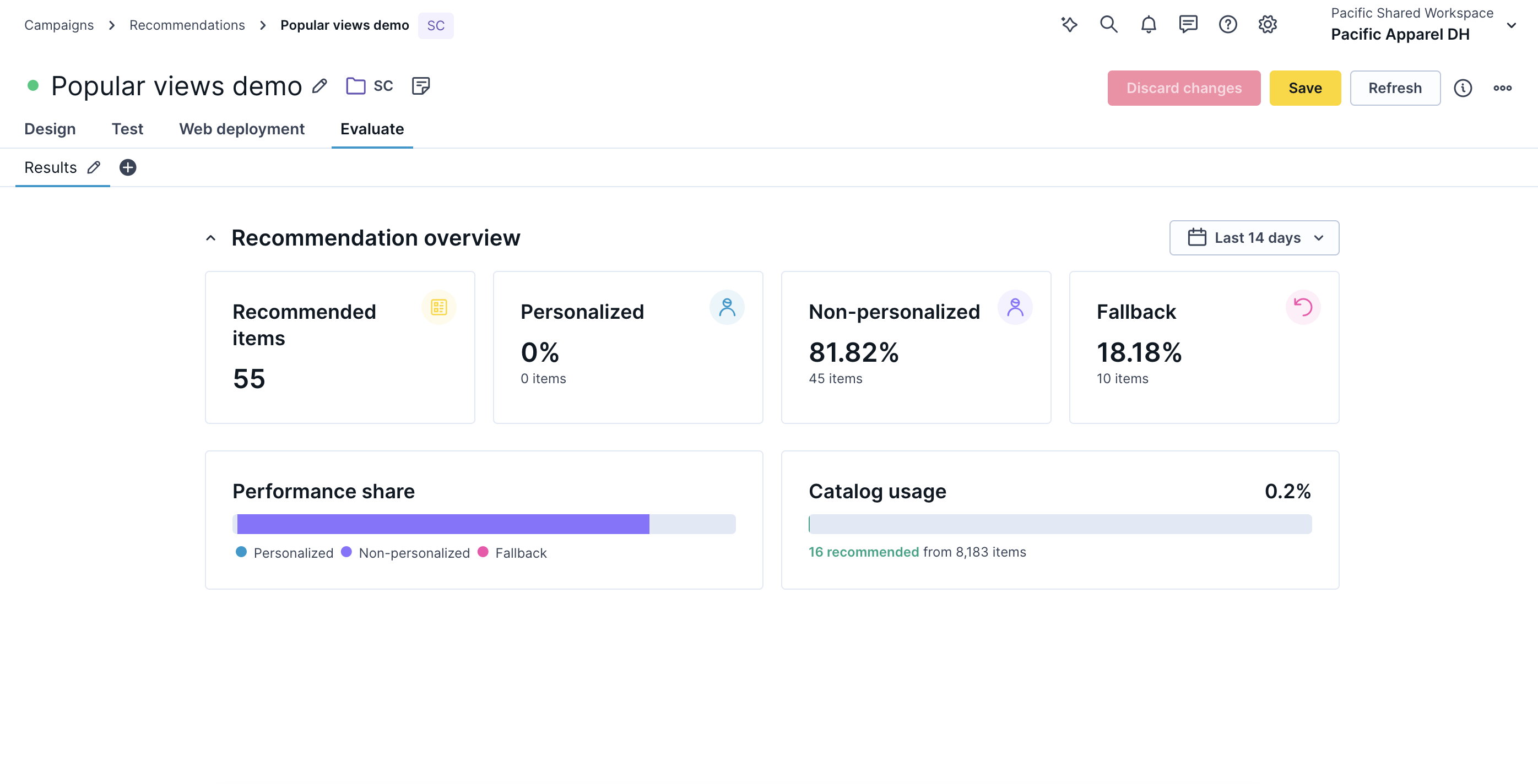
The recommendations dashboard shows business and engine quality metrics for a specific recommendation. Use it to monitor revenue impact, personalization rate, catalog coverage, and engine status.
To open the dashboard, go to Campaigns > Recommendations, select the recommendation you want to evaluate, and open the Evaluate tab.
NoteSpecify the time frame you want to analyze in the upper-right corner.
Engine status
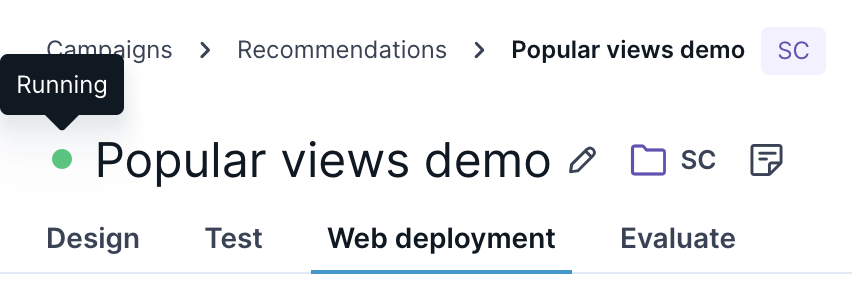
A colored dot next to the recommendation name shows its current status. Hover over the dot to see the label.
| Status | Description | Recommendation results |
|---|---|---|
| Running (green) | The engine is running and uses the newest data. | Highest quality. |
| Suspended (green) | The engine is suspended because it wasn't used in the last 14 days. | Quality returns to highest on the first request after resuming. |
| Limited (orange) | The engine is running but not trained on the latest data. For Combined, one of the underlying engines isn't working or isn't trained on the latest data. | High quality. |
| Pending (yellow) | Engine is waiting to be trained. Available within 24 hours. | Random fallback or no recommendations until the model is trained. |
| Failed (red) | The engine failed to be created or is unavailable. | Random fallback or no recommendations. |
| Inactive (gray) | Engine was disabled or deleted. | No recommendations. |
| Unknown (gray) | The platform couldn't determine the engine's state. | Random fallback or no recommendations (unexpected technical problem). |
| Draft (blank) | The engine wasn’t saved yet. | No recommendations. |
Business metrics
The dashboard shows four business metrics for the selected time frame. Each tile displays the current value, the dataset it's calculated from, and a trend indicator—a green upward arrow (increase), a red downward arrow (decrease), or a dash (no change)—compared to the previous period.
| Metric | Description |
|---|---|
| Revenue | Total revenue attributed to this recommendation. |
| Revenue per visitor | Average revenue generated per visitor who received this recommendation, calculated from the total number of visits. |
| Average order value | Average value of orders from visitors who received this recommendation, calculated from the number of conversions. |
| Conversion rate | Percentage of visits that resulted in a conversion. |
Engine provisioning
Recommendations are automatically suspended and resumed based on usage.
- If a recommendation isn't used for 14 days (zero requests), it's automatically suspended.
- Resume a suspended recommendation by clicking Enable model in the engine settings, or by sending a request—for example, opening the Preview tab or a campaign preview.
- After 35 days of inactivity, model training stops. From 21 days after suspension, resuming can take up to 24 hours because the model may need to be retrained.
Within the 21-day window, the recommendation resumes within seconds—background training continues during suspension, so the model stays up to date.
Updated about 2 months ago