

External segments
External segments let you import customer segments from outside Bloomreach, such as segments from your data warehouse. Once synced, you use them just like built-in segments, with no need to rebuild your segment logic.
NoteSegment membership updates count against your monthly customer update limits, which may affect your plan.
Not seeing external segments in your account? Contact your Customer Success Manager.
Prerequisites
Your source system calls the external segments API. It registers each segment and pushes its membership. See External segments API for the request schema, authentication, and rate limits.
Set up an external segments integration
-
Go to Data & Assets > Integrations.
-
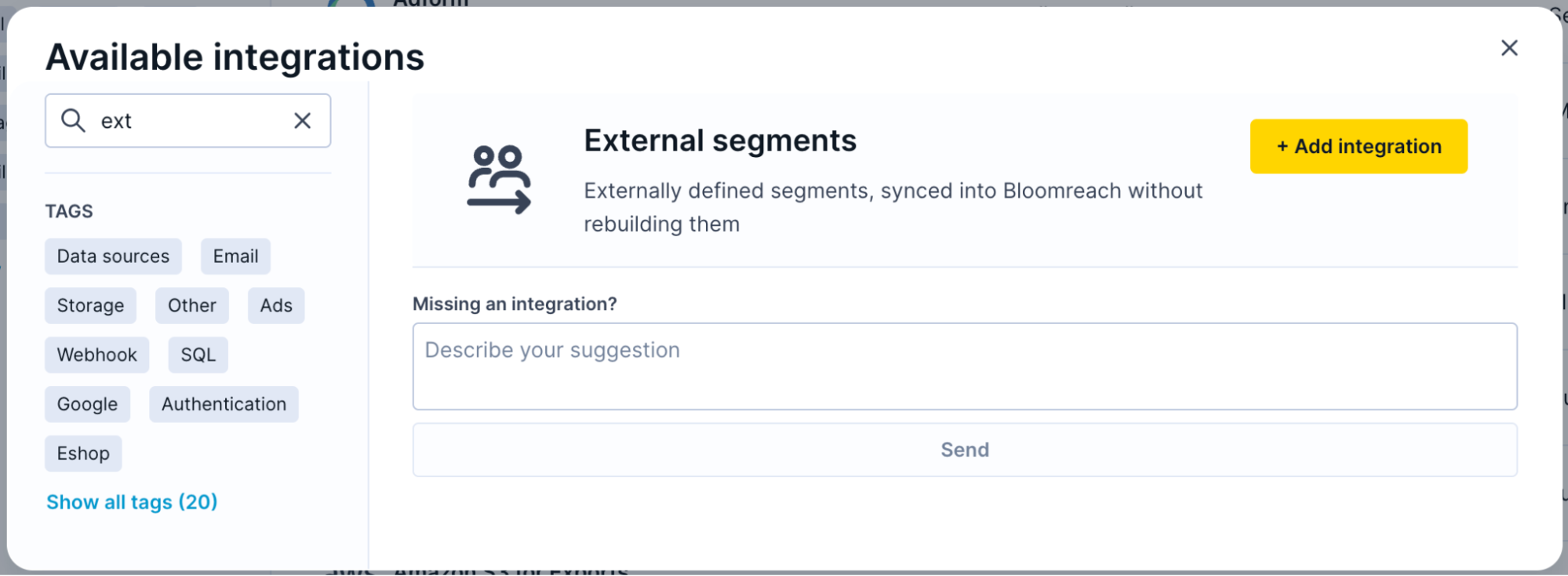
Click + Add new integration, then select External segments from the list.
-
Optionally, rename the integration to identify its source system.
-
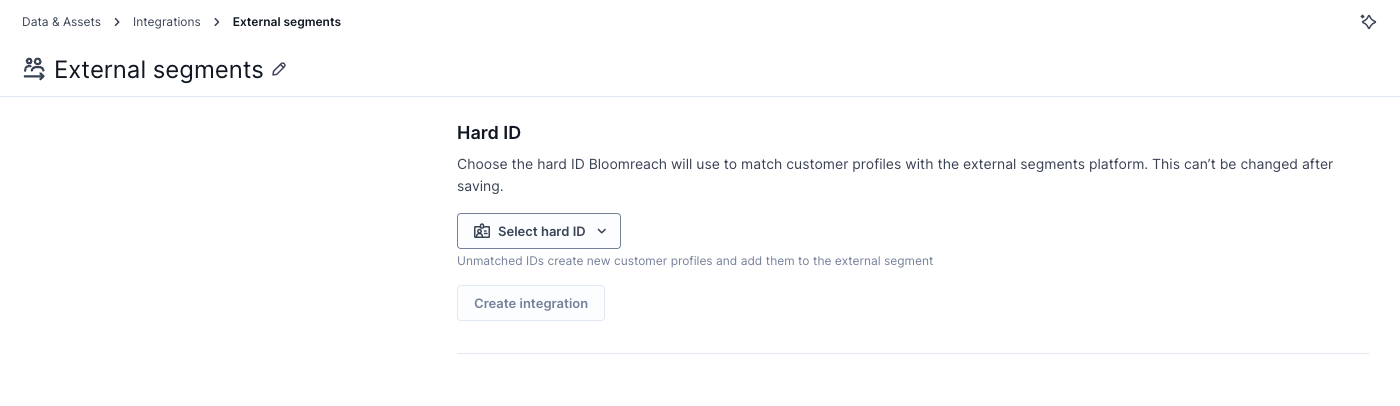
Select the hard ID used to match incoming customer IDs to profiles, then click Create integration.
-
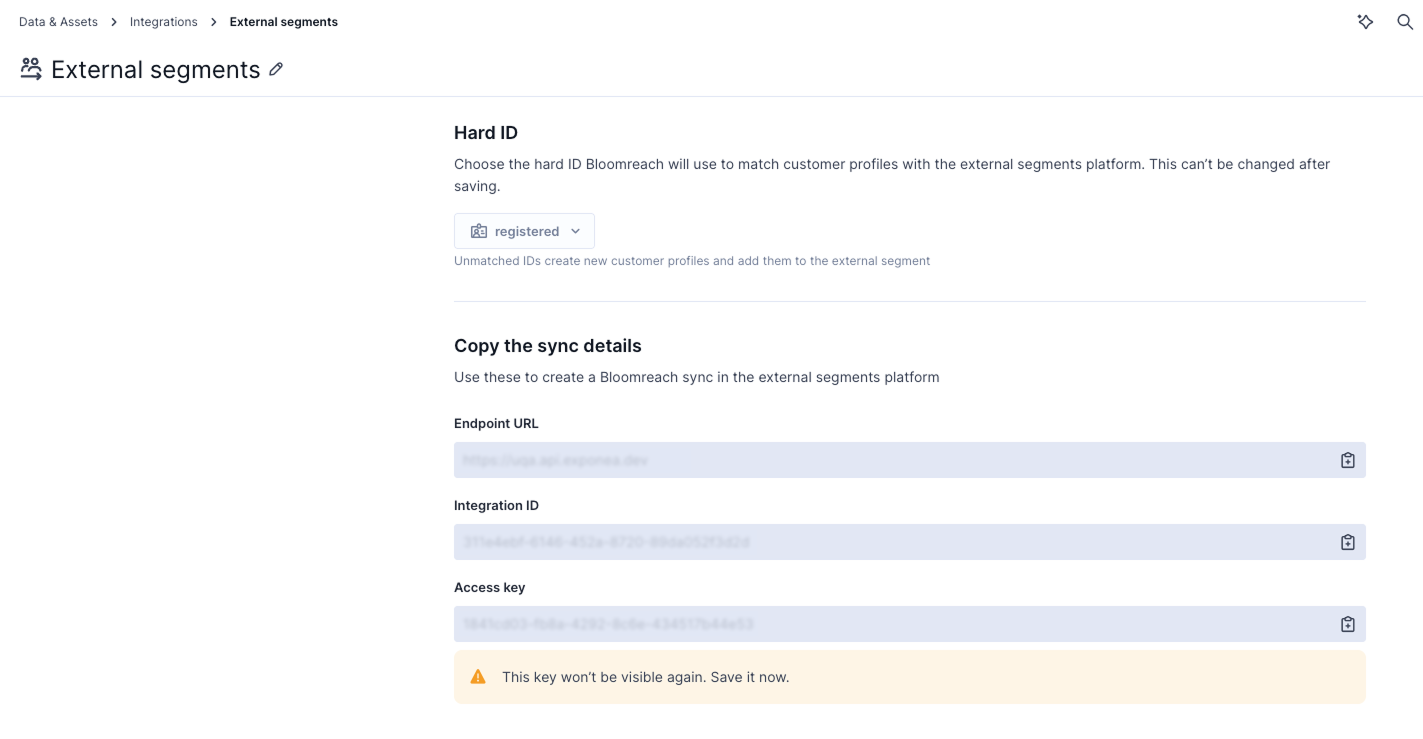
Copy the endpoint URL, integration ID, and access key. Store the access key somewhere safe — it's shown only once, at creation.
NoteA membership update might reference a customer ID that doesn't exist yet in your project. If so, Bloomreach creates a new profile for that ID.
Use external segments in campaigns and scenarios
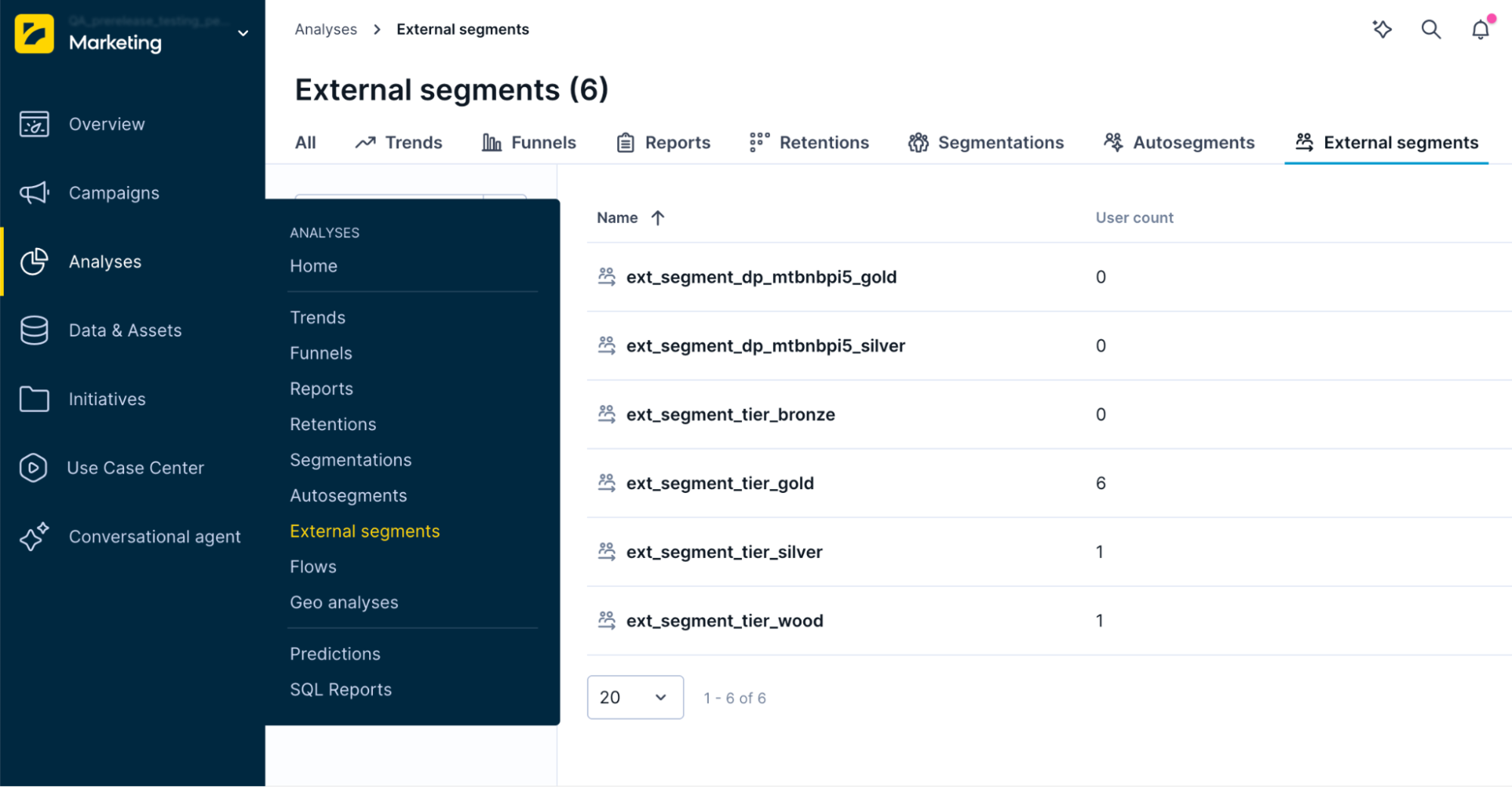
Synced external segments appear under Analyses > External segments.
External segments as customer properties
Each external segment is stored as a boolean customer property. A value of true means the customer is in the segment.
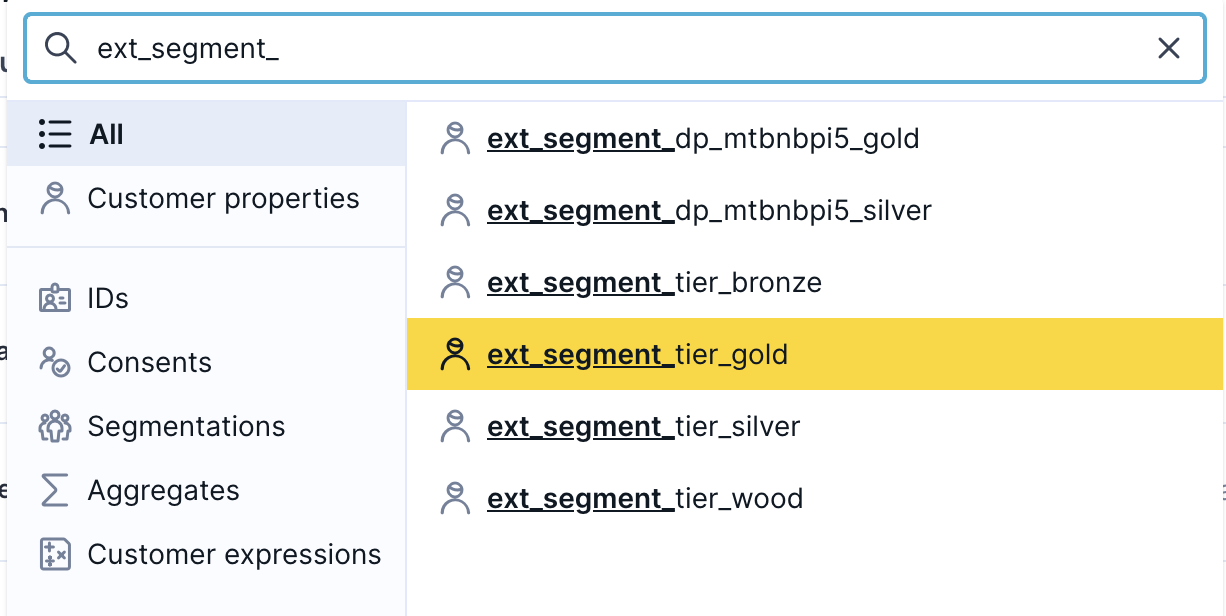
To target one, select it under customer properties. List all external segments by searching for the ext_segment_ prefix.
Related
- External segments API — register segments and push membership updates.
Updated 20 days ago