

Experience customization for Loomi for Shopify
Experience customization lets you adjust the markup for Search, Autosuggest, Collections, and Recommendations widgets directly inside the Loomi for Shopify app. Each widget renders through a web component with default HTML — the editor lets you replace that with your own EJS, without modifying connector code or waiting for a developer release.
Benefits and use casesFor examples of what teams build with experience customization, see Experience customization benefits and use cases for Loomi for Shopify.
Template building blocks
A template controls how the widget looks. Each one is built from three kinds of building blocks that link your custom HTML to what the widget already does: the data you show, the parts shoppers can click, and the updates that follow.
Customer responsibilityCustom HTML overrides are the customer's responsibility. Test all customization on your storefront before publishing and verify that they preserve the contract documented in the HTML and EJS reference.
| Building block | Description | What you need to do |
|---|---|---|
| EJS variables — the data you display | The widget gives your template live values: product title, price, the list of swatches, and more. You print them with EJS tags, so <%= productCard.title %> shows the current product's title. | Place variables where you want the values to appear. Variables are read-only and refresh automatically when the underlying data changes. |
| Data attributes — the parts shoppers click | data-br-action drives interactions: a data-br-action on a swatch tells the widget it's a variant selector. Other data attributes, such as data-value and data-filter-value, only store values the widget reads when an action fires. | Keep data-br-action on the right element, or the interaction quietly stops even when the element still looks correct. Preserve value attributes so actions fire with the right data. |
| Custom events — the updates that follow | After the widget handles a click — a sort, a filter, a new page — it signals what changed so the grid reloads, filter pills update, and the page jumps. | No action needed. These keep the page in sync automatically. |
What you can customize
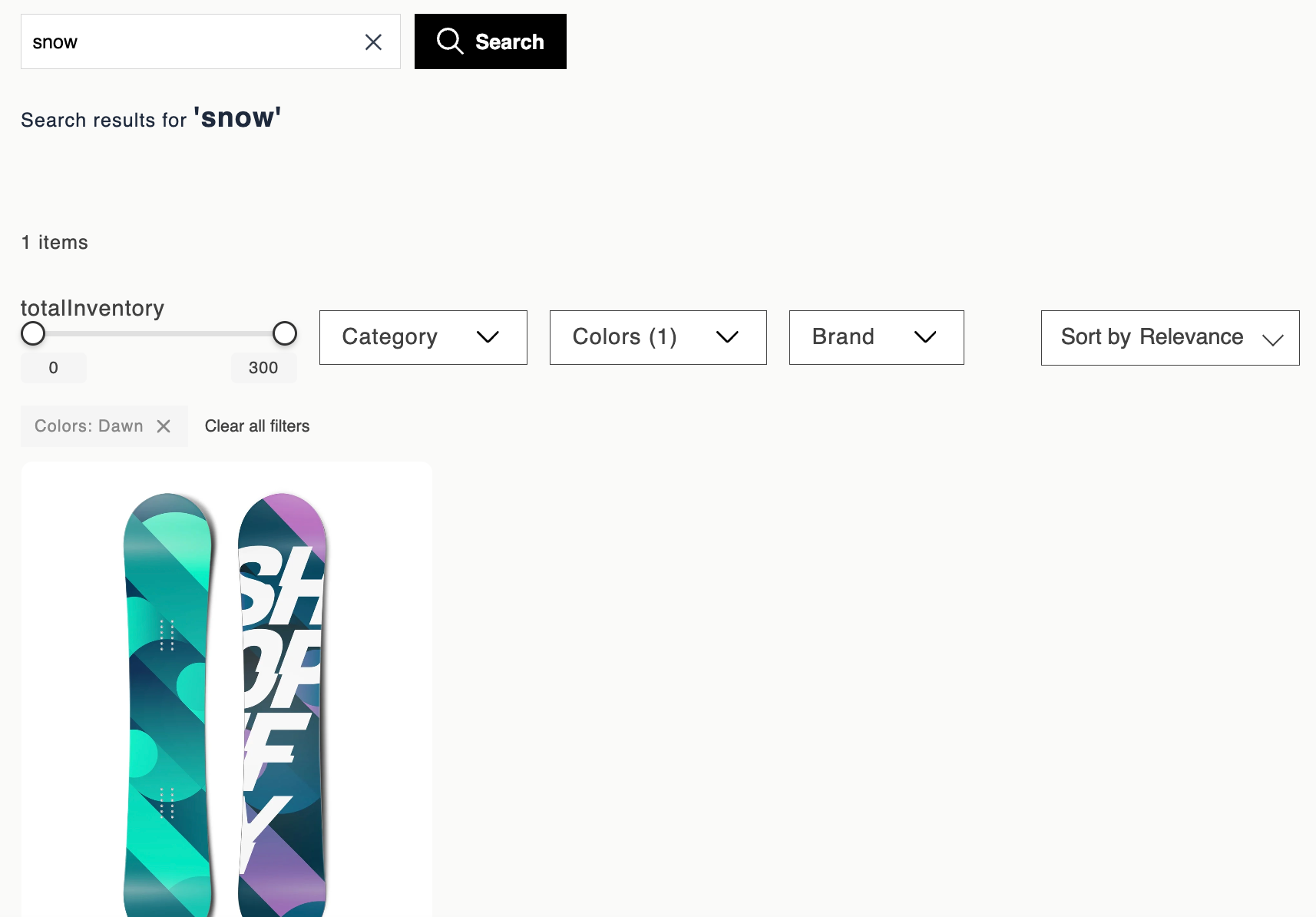
Experience customization is available for Search, Autosuggest, Collections, and Recommendations. Open the experience customization editor and expand any of the following components to customize it:
| Component | What it controls |
|---|---|
| Page layout | Overall page structure: facet sidebar, product grid, sorting bar, pagination. |
| Product card | Individual product tiles — image, title, price, swatches, badges, and variant logic. |
| Text facet | Checkbox-based filter facet with the facet title and selectable values plus counts. |
| Slider facet | Range slider filter for price and other numeric attributes, with min and max controls. |
| Selected facet pill | Active filter pills with remove and clear-all options. |
| Sorting | Dropdown control for selecting the product sort order — relevance, recommendation, popularity, price, etc. |
| Pagination | Page-number navigation at the bottom of the product grid — numbered links (1, 2, 3, ... 100) that let users jump directly to a specific page. |
Related articles
Updated about 1 month ago