

Unified login overview
Logging into multiple systems with different credentials is time-consuming and increases security risks. Unified login gives you access to all Bloomreach products—Marketing, Search, Conversational agent, and Data hub—through a single URL with one set of credentials.
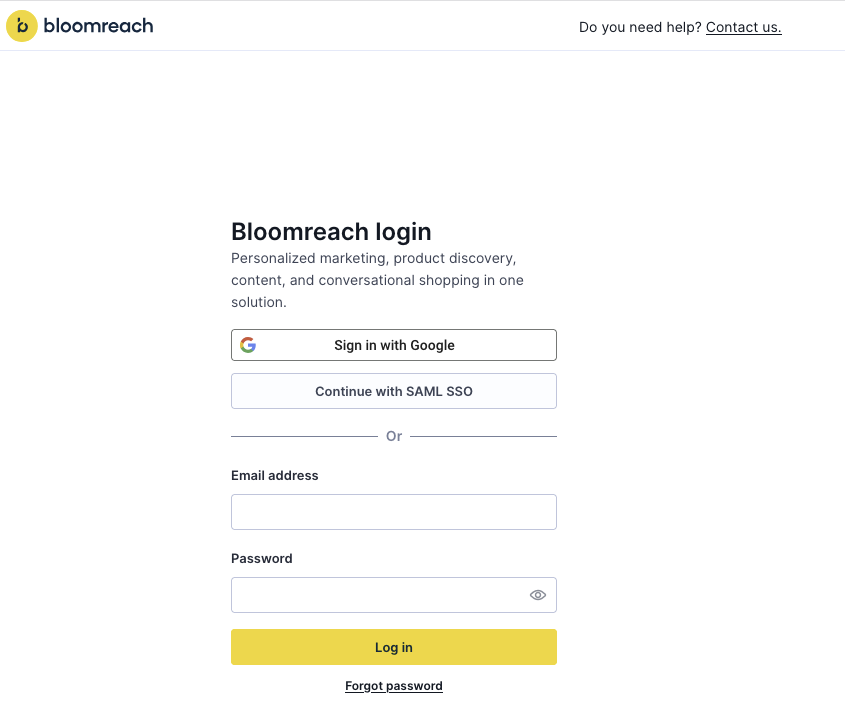
Marketing login
Marketing users have 2 ways to access unified login:
Option 1: Use regional login page
If you know which region your Marketing instance operates in, use the regional login page directly:
Option 2: Use your private instance URL
Go to your private Marketing instance URL. No region selection or instance ID required.
Search login
As Bloomreach migrates to the unified platform, Search users will transition from using their current login flow to the new, unified login flow.
Unified login experience for Search
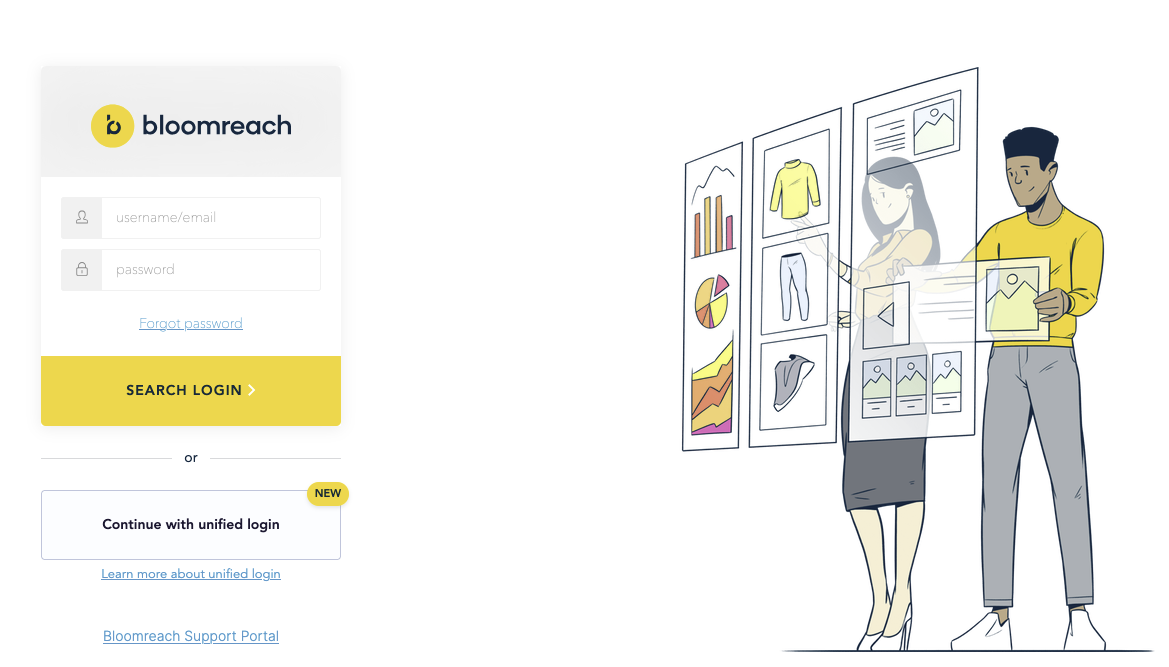
- Search login page: If you don't have an active session for the Search product, you'll be redirected to the login page. Users that have not transitioned to unified login can continue to use the username and password prompts on the center-left as before. Users configured for unified login should click Continue with Bloomreach unified login.
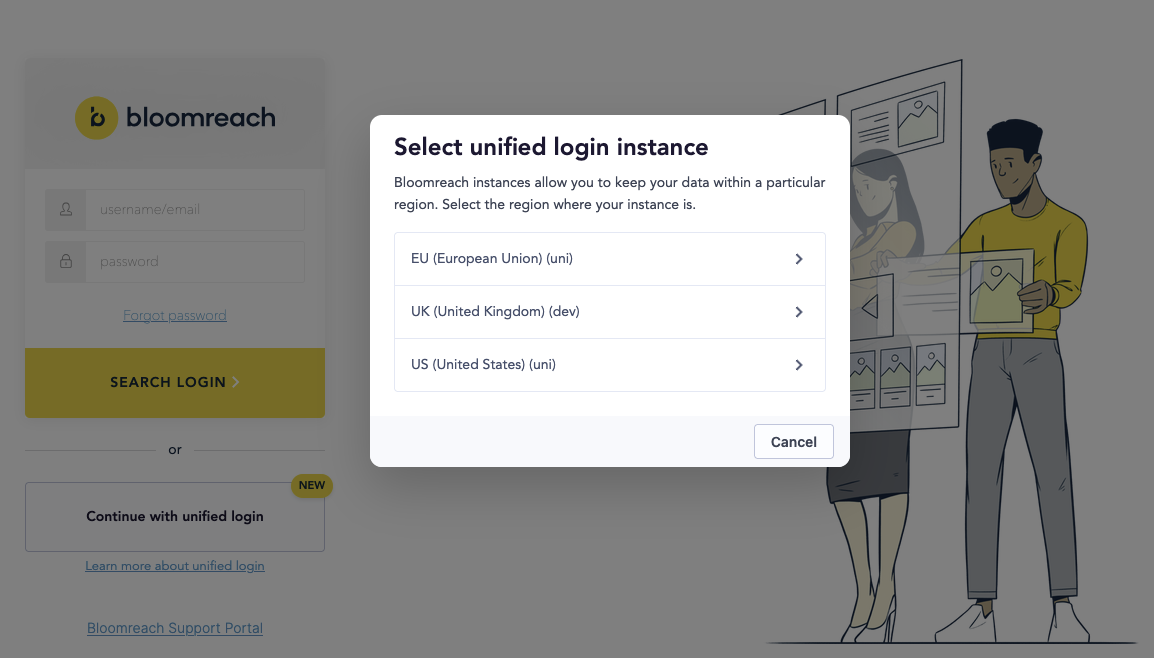
- Region selection: Choose the region where your Search account is deployed from the list.
- Continue with login: You'll be directed to a region-specific login page, where you will be presented with Google, SAML, and email / password options as in the image at the top of this page.
- (Optional) Bookmark your regional login page: You may also navigate directly to your region-specific login page to skip the first 2 steps in the future.
Multi-product landing page
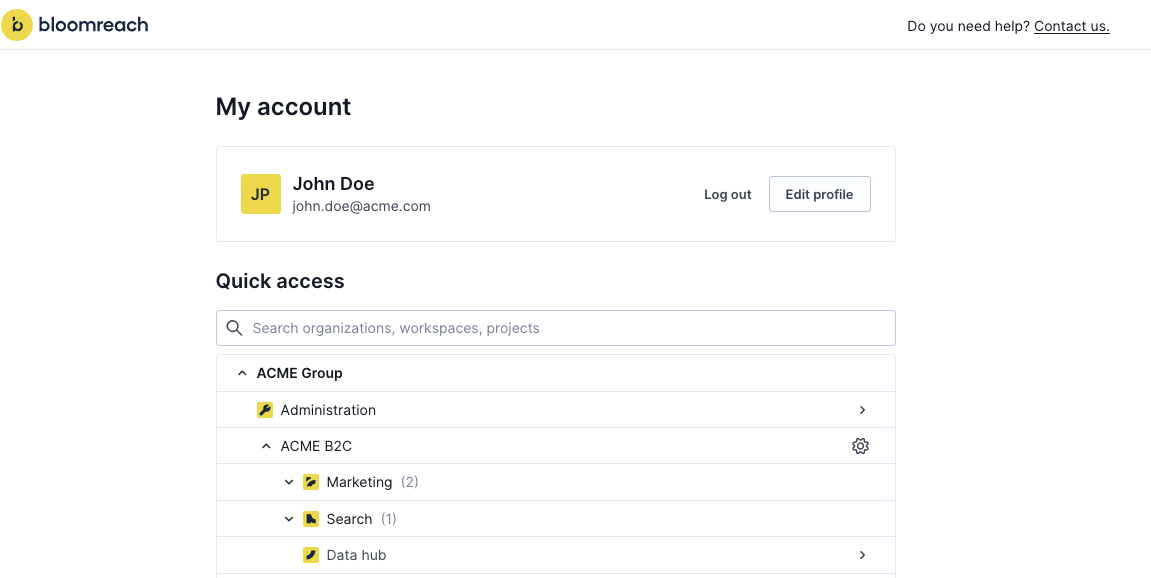
If you use multiple Bloomreach products, log in once and navigate freely between products using the product switcher in the top-left of every page, or return to your My account page that lists all Bloomreach products for which you have access. No additional authentication is required.
Login FAQ
Updated 28 days ago