

Delete a channel
Delete a publication channel in the Experience manager.
Introduction
Goal
Delete a publication channel in the Experience manager.
Background
If you have administrator privileges, you can delete channels in the Experience manager app.
WarningDeleting a channel is irreversible!
Delete a channel
Open the Experience Manager Application application.
Select the channel you want to delete.
Open the Channel menu.
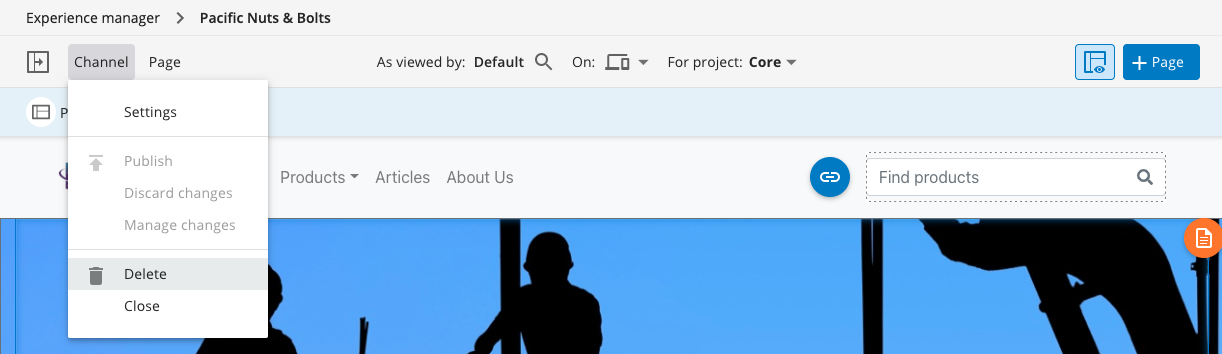
Select the Delete option. A confirmation dialog will appear:
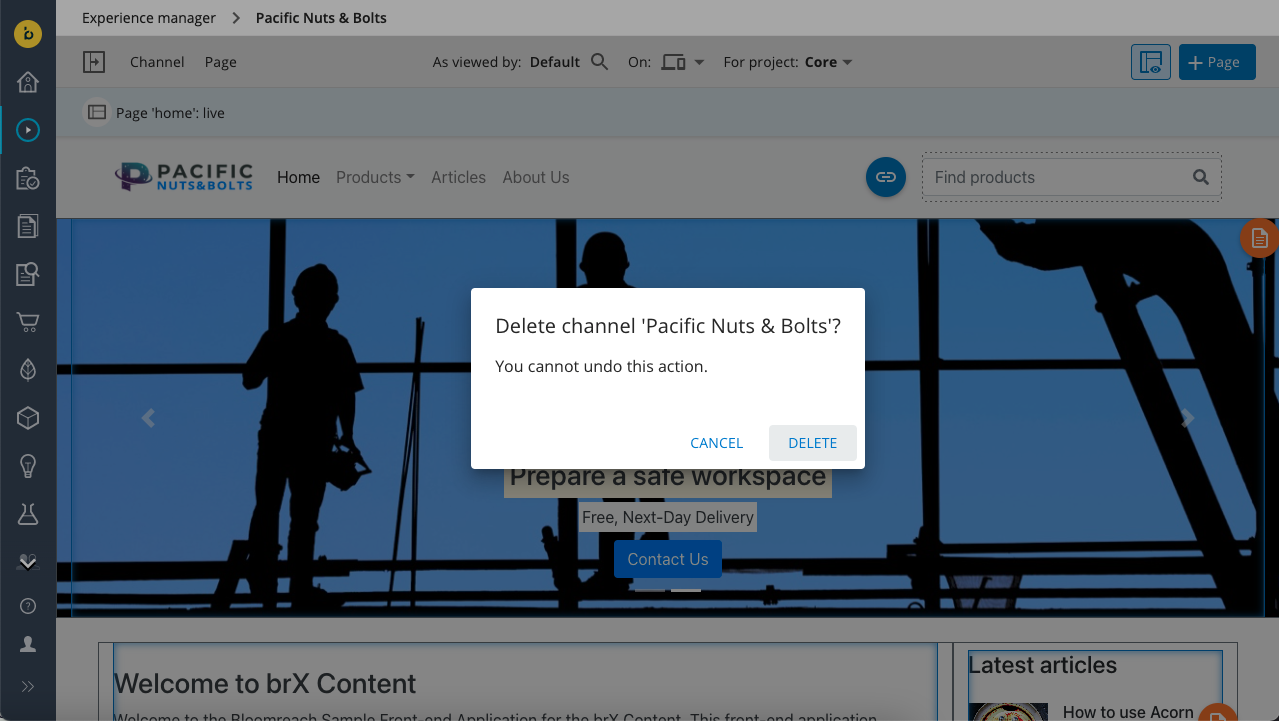
Confirm the deletion.
Upon successful deletion of the channel, you return to the Channels overview, which no longer shows the deleted channel.
TipDeleting a channel will not delete the content used in the channel, nor the experience pages created for it.
WarningDeleting a channel is irreversible!
Updated 7 months ago
Did this page help you?