

How to open Conversational agent back office
This guide explains how to open the Conversational agent back office interface.
Prerequisites
Technical setup
- Complete the Conversational agent integration.
- Import the product catalog in the correct format.
Permissions
Conversational agent User permission allows you to view transcripts and edit agents.
Open Conversational agent back office
Go to Conversational agent in the Bloomreach application interface.
The Transcript sub-section lists all Conversational agent conversation records available.
The Agent sub-section lists all the existing agents.
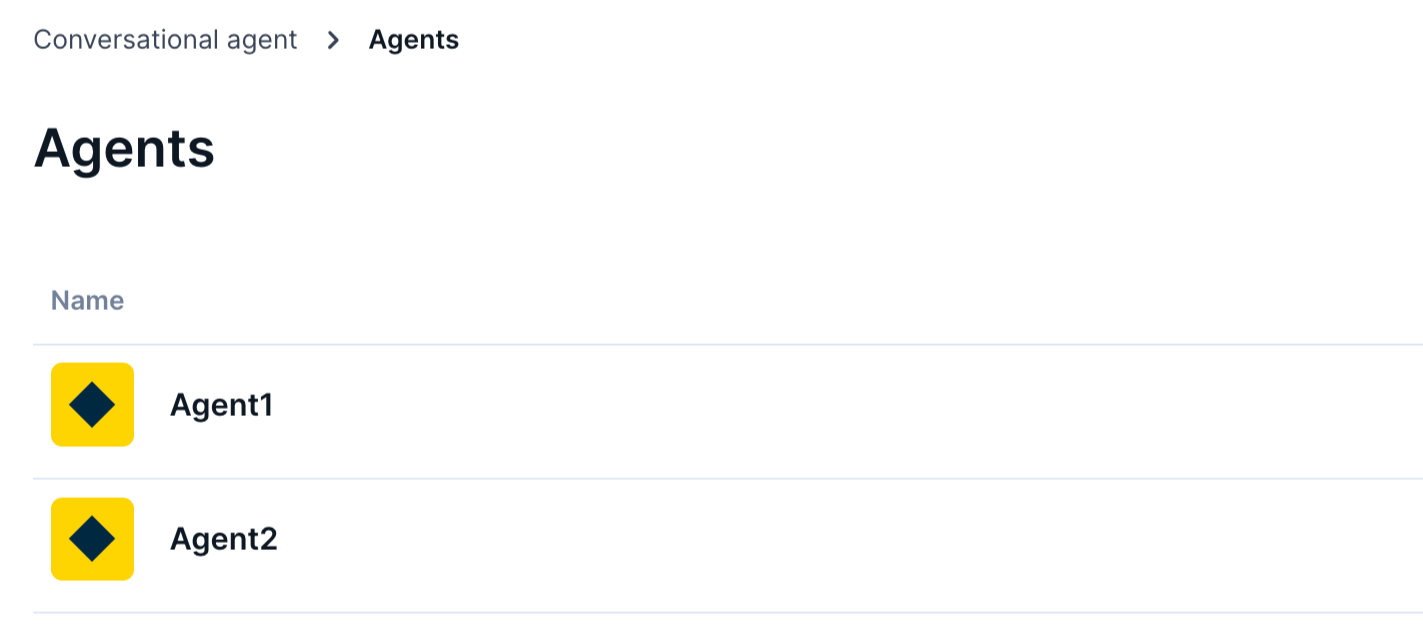
The Agents sub-section lets you set up and manage agents.
Switch between the two sections based on your permissions and tasks.
Configure back office settings
Follow the guides below to customize or view the back office components:
- How to view Conversational agent transcripts
- How to configure agents
Updated 21 days ago
Did this page help you?