

Clarity Explorer Chrome extension
Want to see how Conversational agent can improve your site’s performance and user experience? The Clarity Explorer Chrome extension lets you try it out in just a few clicks. You don’t need to install the Bloomreach SDK or change your site’s code. It’s a fast way to explore how Conversational agent works using your actual site content.
Key functionality
- Try Conversational agent directly on your website without changing your site’s code.
- Temporarily ingest a simplified Bloomreach SDK to enable Conversational agent on your website.
Demo limitations
Clarity Explorer is a demo environment and doesn’t reflect a production setup.
- The demo isn’t production-grade. A live setup would need further product catalog refinement and Conversational agent configuration.
- Only a limited set of supporting data sources (like return policy or shipping info) is included. You can request more.
Install and configure Clarity Explorer
The Clarity Explorer Chrome extension is designed to allow you to explore the power of Conversational agent with your data on your website.
-
Go to the Clarity Explorer extension in the Chrome Store.
-
Click Add to Chrome to install the extension.
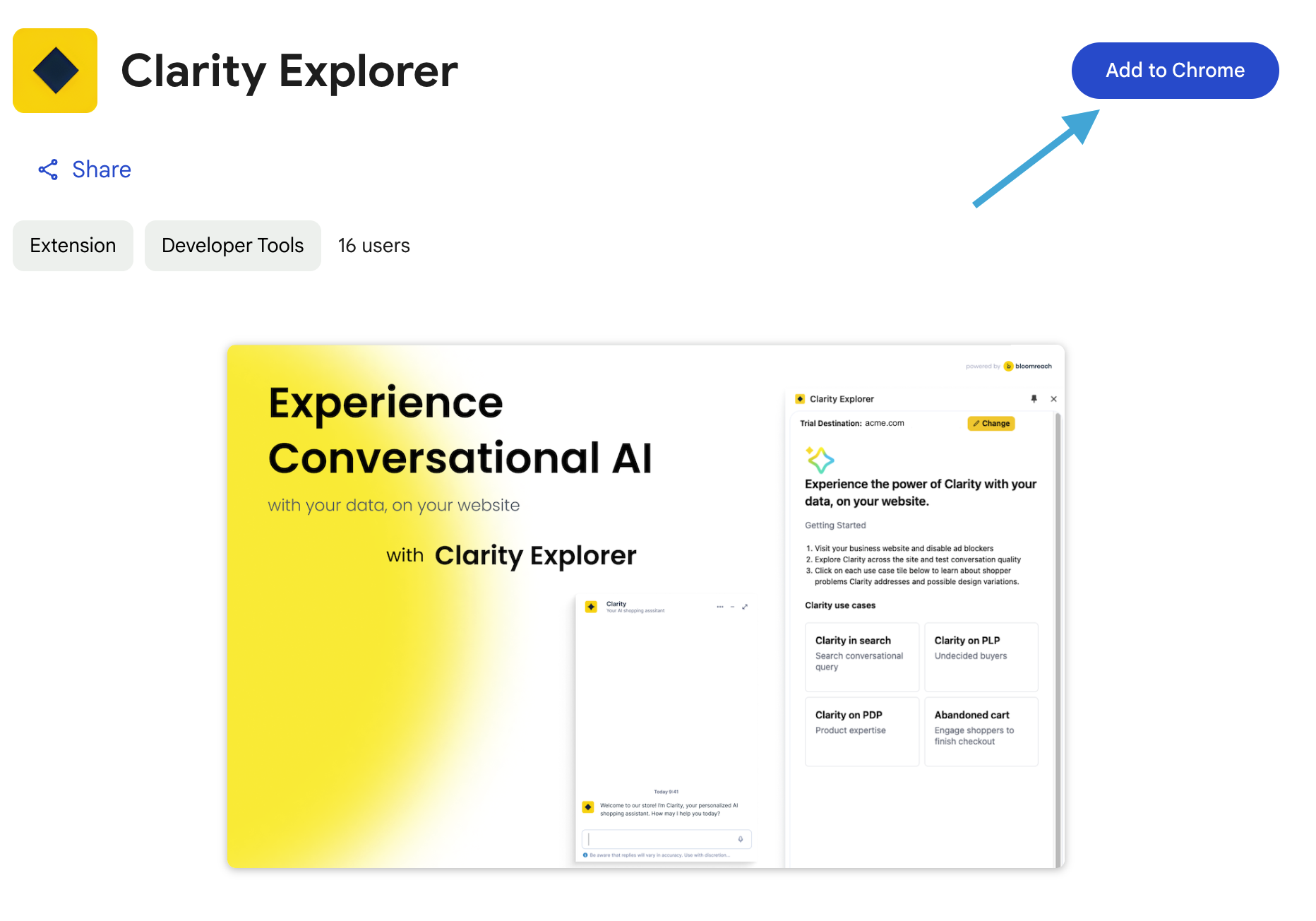
Add the extension using the Chrome Store.
-
Click the Clarity Explorer icon to open the Clarity Explorer extension.
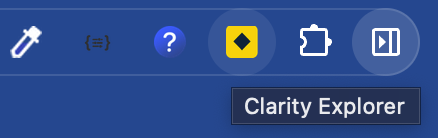
Click the Clarity Explorer icon.
-
Enter your Conversational agent Trial ID and click Get started.
NoteBloomreach provides Trial IDs to prospects during the trial period.
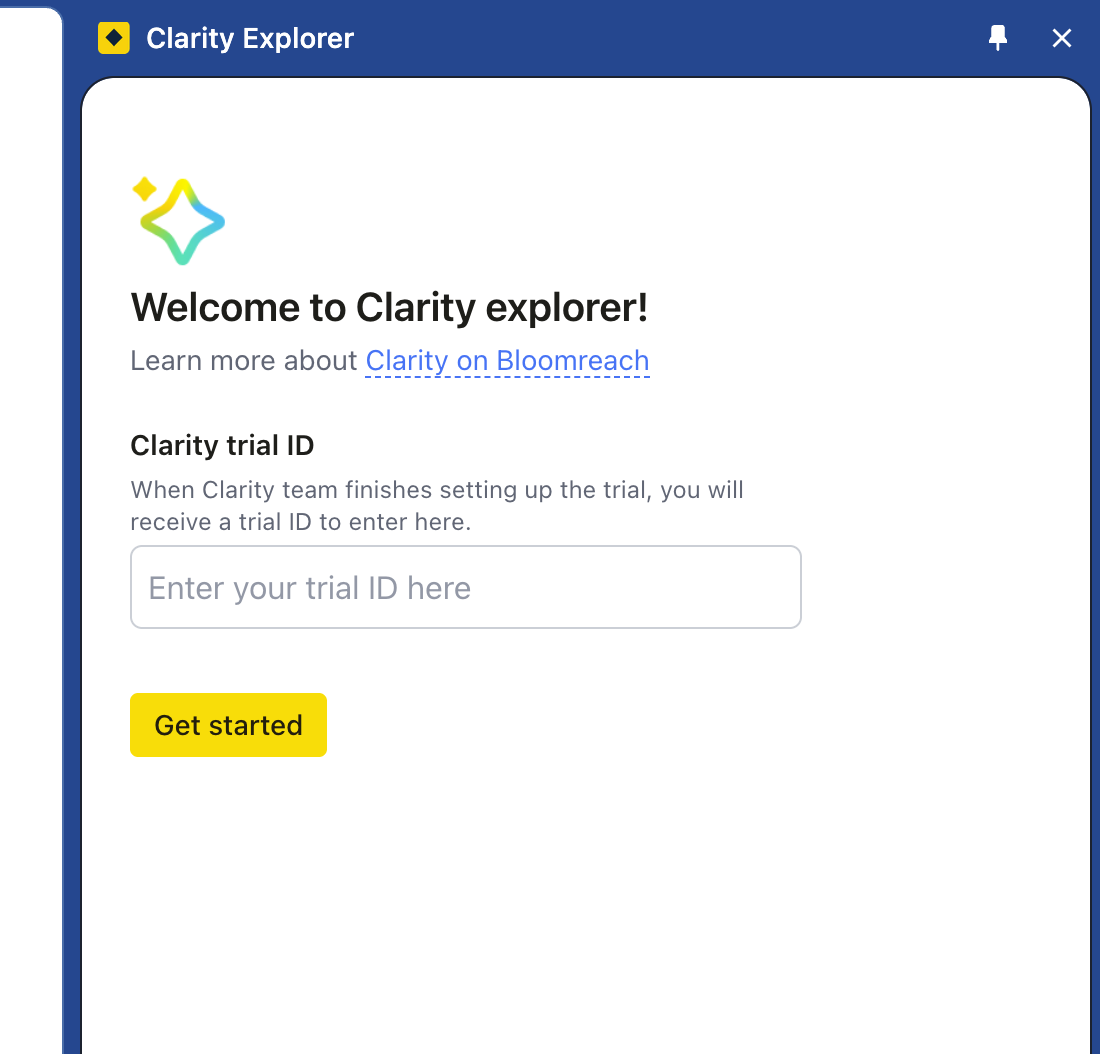
Get started by entering your trial ID.
-
Once the Conversational agent trial destination is confirmed, click Continue to begin.
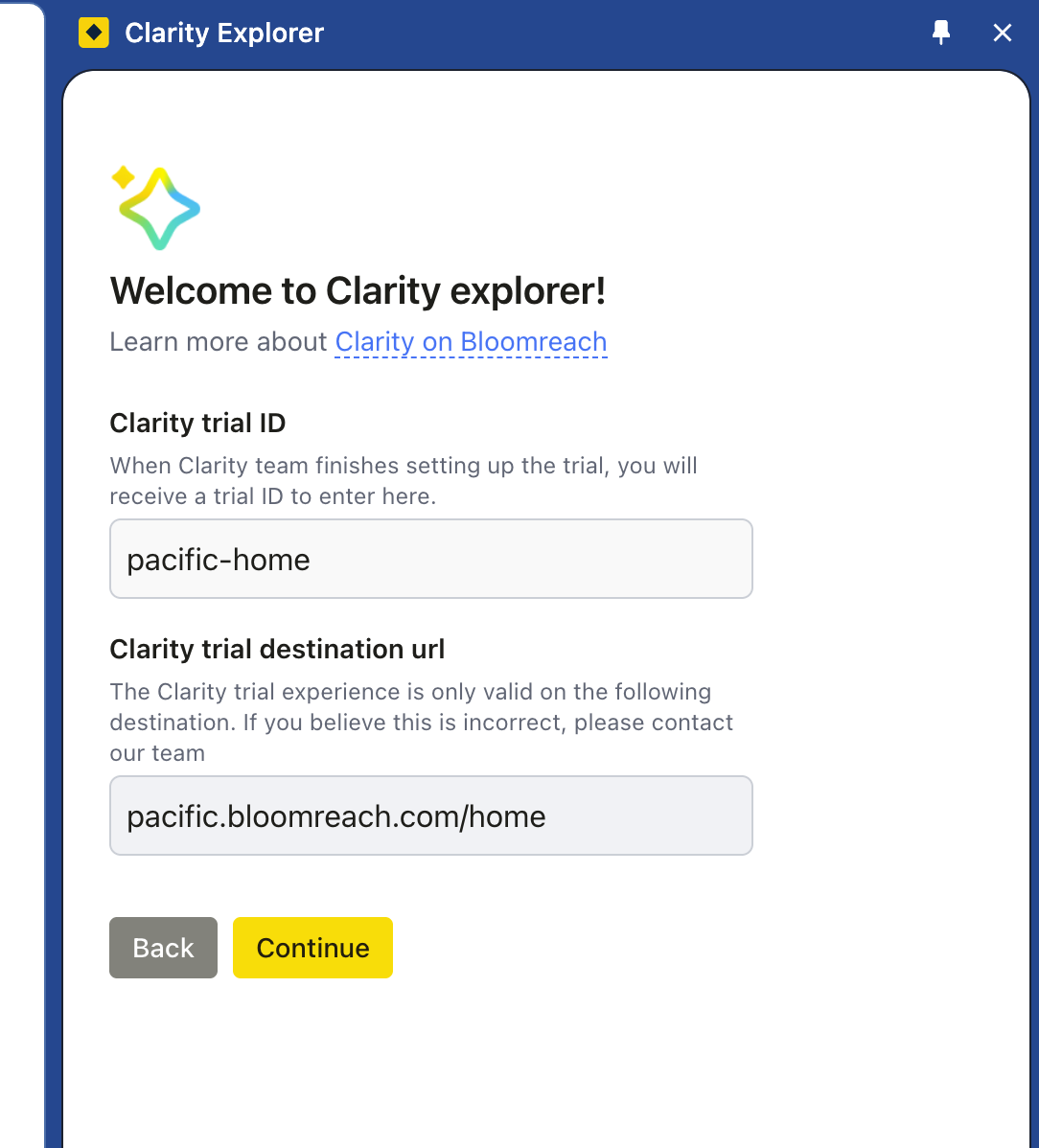
Click Continue to start the trial.
Explore Conversational agent use cases
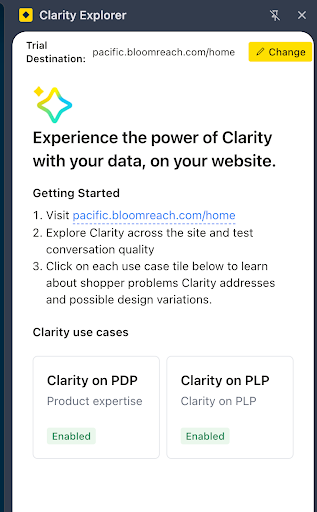
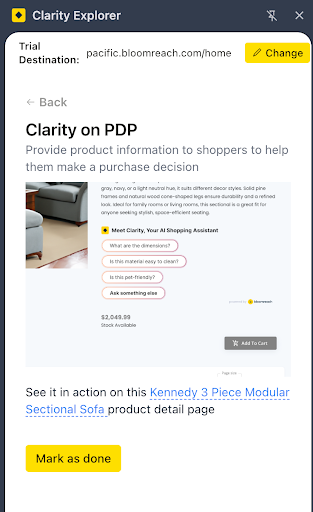
We’ve created a few customized use cases tailored to your site. Each use case includes:
-
A preview image of the experience.
-
A link to a sample page on your site where you can test Conversational agent.
Updated 20 days ago