

Conversational agent data sources
In the Data sources tab of each agent's setup page, you add general knowledge data sources to improve the agent’s accuracy and response quality.
Why does Conversational agent need data about your brand?
These data sources help Conversational agent:
- Answer general operational questions like “Can I return the product if I’m unsatisfied?”. Conversational agent uses your return policy to respond.
- Enhance answers to product-related questions. Conversational agent adds relevant information like available sizes (using your size guide) and what’s trending (using your blogs).
Add new data source
To add a new data source:
-
Click + New data source.
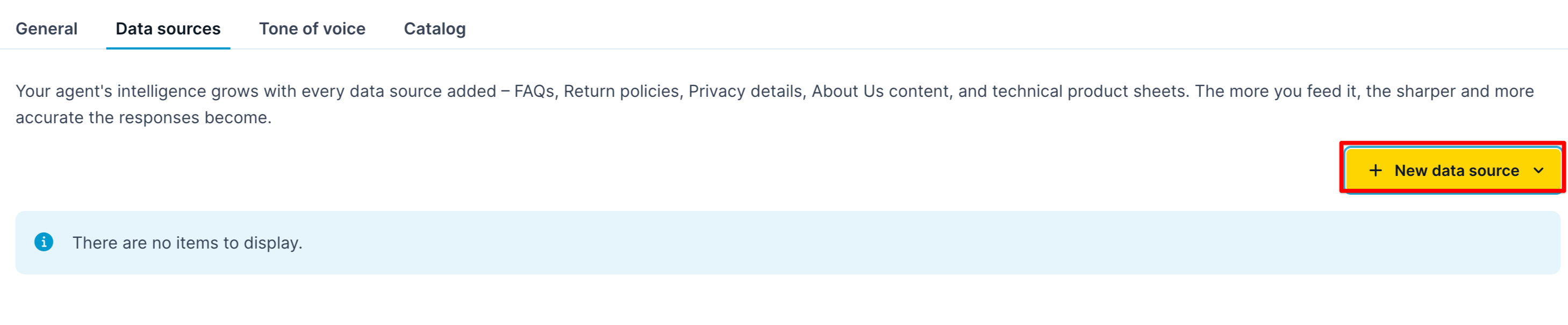
Click + New data source option.
-
Add the name of the data source.
-
Paste the data source content in the input box. To add URLs, paste the links as text.
-
Add labels to help the agent navigate the content. You can later use these labels to search for specific content pieces. For example, labels for a return policy can be
returns,return_policy, orclaims.
Updated 4 days ago
Did this page help you?