

Conversational agent tone of voice
This article guides you on how to edit the agent's tone of voice, exclude prohibited words, and avoid certain contexts.
Edit tone of voice
While Conversational agent has some predefined tones of voice, you can adjust the tone to align with your brand's tone. To replace the default tone of voice:
-
Go to Custom setup (Guided).
-
Click Set up Tone of voice.
-
Add details about the mission of your business, your brand's tone of voice, favorite keywords, what words Conversational agent should avoid, and examples of good language.
-
Click Save changes.
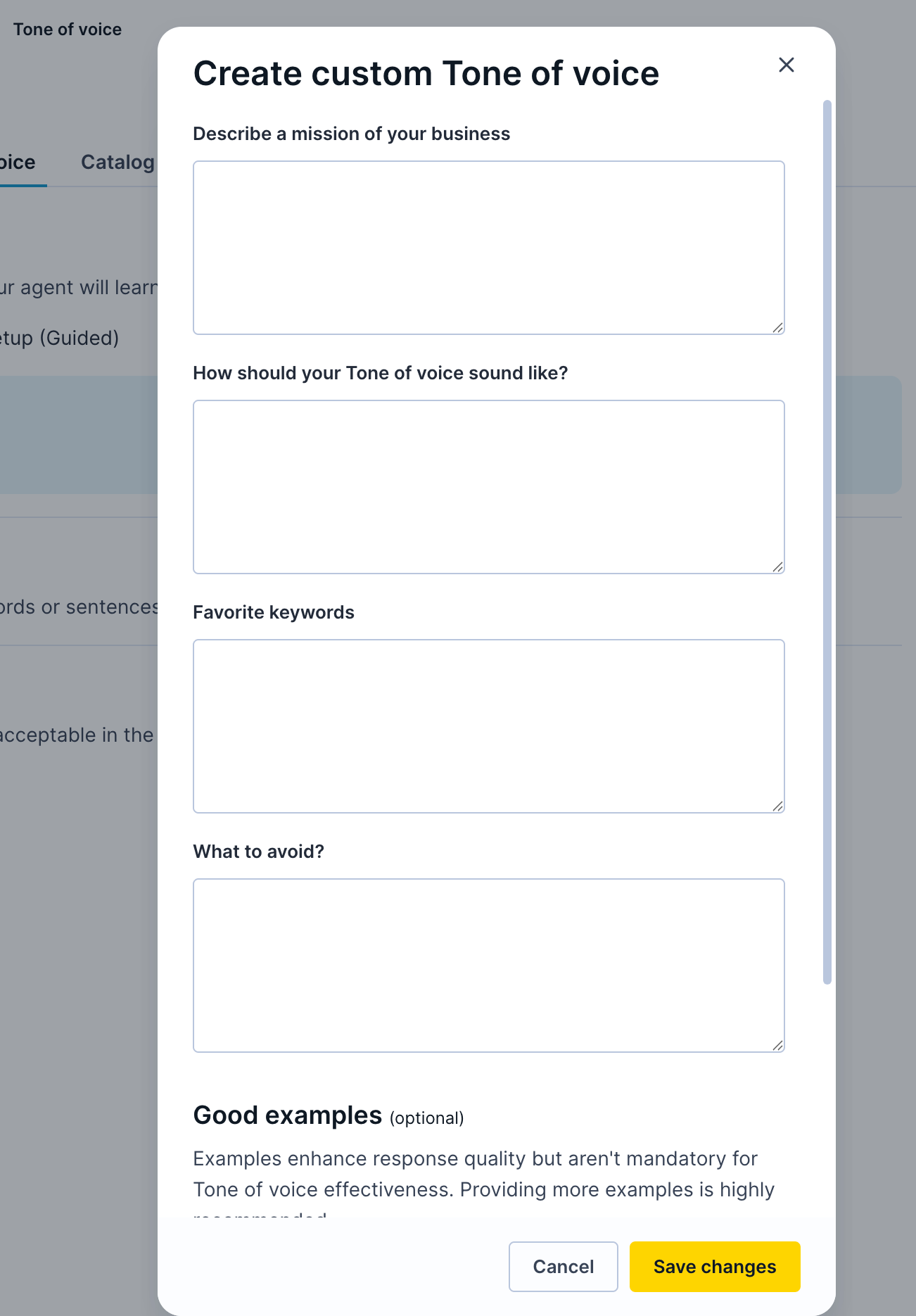
Adjust tone of voice.
-
The agent will adjust to your brand’s tone.
Exclude prohibited words
To create a welcoming space for shoppers to interact with Conversational agent, consider replacing certain terms (for example, use wheelchair user instead of wheelchair-bound). You may also exclude and replace certain words to ensure legal compliance.
Follow the steps below to instruct the agent to avoid specific words or sentences that don't fit your brand.
-
Toggle ON Prohibited words.
-
Add the original word or sentence and its replacement. For example, handmade replaced with custom made.
-
Click Save.

Add the original word or sentence and its replacement.
Avoid context
Contexts are specific topics that the shopper can discuss with Conversational agent. You may want to exclude certain topics to keep Conversational agent conversations consistent and neutral.
Follow the steps below to restrict any specific contexts from the agent-shopper conversation.
- Toggle ON Avoid context.
- Input the restricted topics under the Topics to avoid input field.
- Click Save.
Updated 21 days ago