

Conversational agent general settings
This article guides you on how to set the universal settings for agents. These settings apply to every instance where the agent appears.
Appearance
Specify the assistant logo, name, and a short description. The description appears in the Conversational agent interface below the agent name.
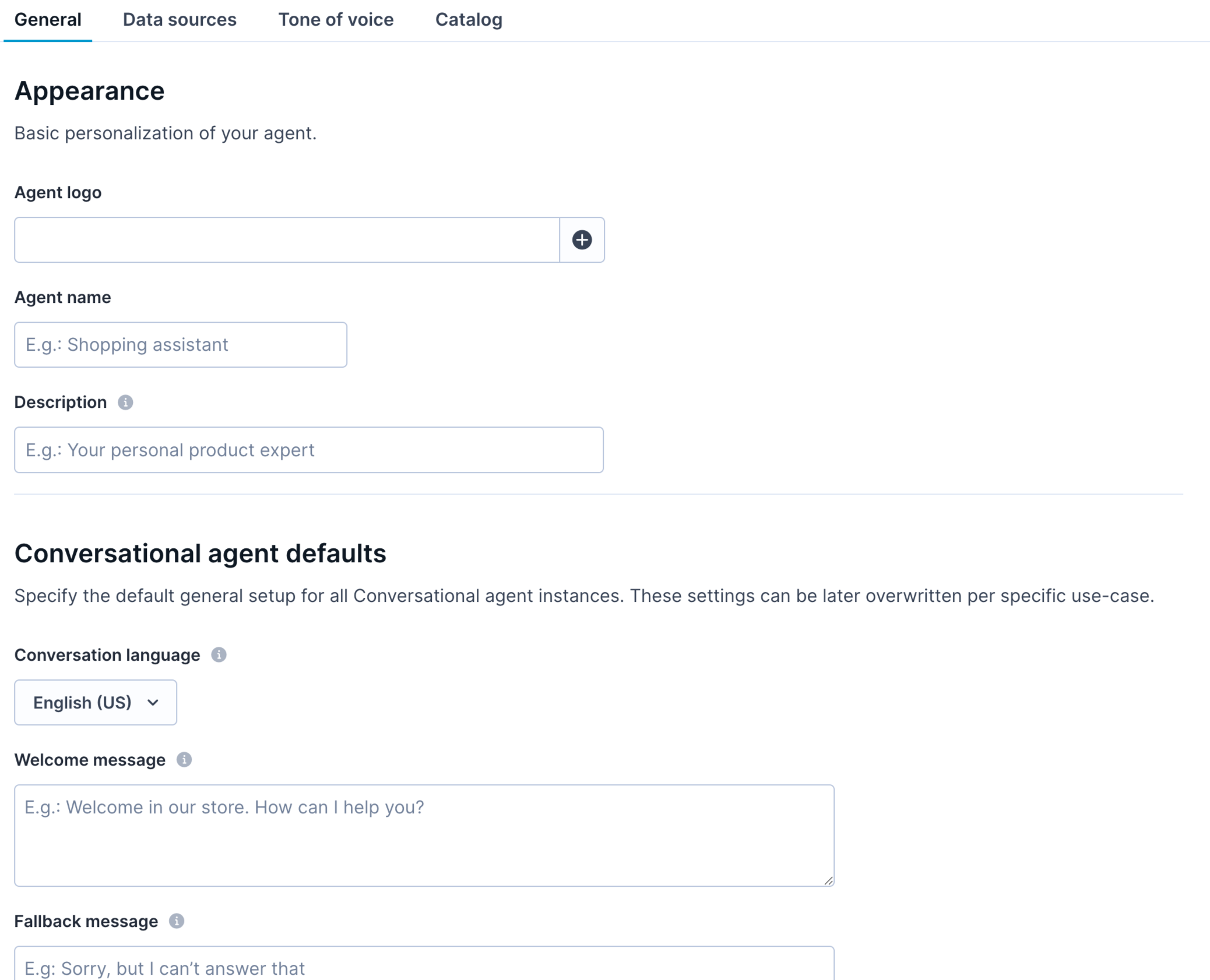
Define general settings for the agent.
Conversational agent defaults
Specify the agent’s default settings.
Conversation language settings
Select the language used for agent-shopper interactions. The supported languages are Czech, Danish, Dutch, English (US), Finnish, French, German, Italian, Norwegian, Polish, Portuguese, Slovak, Spanish, Swedish, and Turkish.
Welcome message
Set the default message the agent displays after the shopper clicks the "Clear chat" option. For example, “Welcome to homeoasis! How can I help you today?”
Fallback message
Set the default message that the agent uses when it can't respond or is prohibited from responding to a prompt. For example, “Oops! It looks like something went wrong. Can you please try again?”
Markdown formatting
Conversational agent copy supports full Markdown formatting. This means you can style your messages with bold text, headings, or links.
For example:
Need help? [Contact support](https://support.example.com)Updated 20 days ago