

1.302 List-attribute filtering, Shopify post-purchase events, campaign deliverability & charts accessibility
Filter recommendations by multi-value attributes, track complete order lifecycles in Shopify, analyze email campaign deliverability and content performance, and experience improved chart accessibility across analytics.
Version released between 9.2. - 19.2.2026.
List-attribute filtering for recommendations
Filter recommendations using multi-value product attributes like tags, genres, promotions, and regions with our new list-attribute filtering capability. This enables merchandising strategies that previously required complex workarounds or multiple recommendation models:
- Multi-promotional campaigns: Feature products from Summer Sale, Clearance, and New Arrivals in a single recommendation model.
- Product tag utilization: Build themed collections instantly from your Shopify tags without data restructuring.
- Genre-based curation: Create collections like "Edge of Your Seat" by grouping related genres.
- Regional filtering: Show only products available in specific markets.
- Compliance enforcement: Ensure B2B recommendations meet required certifications automatically.
Available for both static catalog filtering (configured in your recommendation model setup) and dynamic filtering (applied per-customer via API based on individual preferences). Requires catalogs powered by schema-based catalog infrastructure connected to Data hub, with list attributes configured as searchable fields. Explore use cases in our documentation.
Post-purchase events for Shopify integration
Track the complete order lifecycle with post-purchase events in the Shopify integration. Build smarter customer experiences by responding to real order behavior:
- Avoid recommending returned products: Exclude canceled or returned items from future recommendations.
- Perfect message timing: Send messages when orders are delivered based on actual fulfillment status.
- Identify behavior patterns: Spot trends like serial returners to refine your customer strategy.
Post-purchase events—including cancellations, refunds, and fulfillments—appear in Marketing with a changing purchase_status attribute, enabling you to build scenarios that respond to actual customer behavior.
Email campaign evaluation dashboard updates
The Email campaign evaluation dashboard now includes deliverability insights and top clicked links analysis, giving you complete visibility into campaign performance across delivery health, engagement, and revenue:
- Deliverability by action node: Compare delivery rates, bounce rates, and engagement metrics across individual emails within your campaign to identify top performers.
- Delivery issue identification: Spot which mailbox providers or sending infrastructure are affecting your campaign's delivery with highlighted below-benchmark metrics.
- Bounce pattern diagnosis: Review bounce reasons and failed send reasons to understand delivery problems and fix template errors.
- Top clicked links analysis: See which links receive the most clicks in your campaign to understand what content drives engagement and optimize future emails.
Make data-driven decisions to improve both delivery performance and content effectiveness in a single dashboard.
Updated chart colors for better accessibility
We've improved chart colors across Marketing analytics for better contrast and readability. Yellow has been replaced with blue to meet accessibility standards.
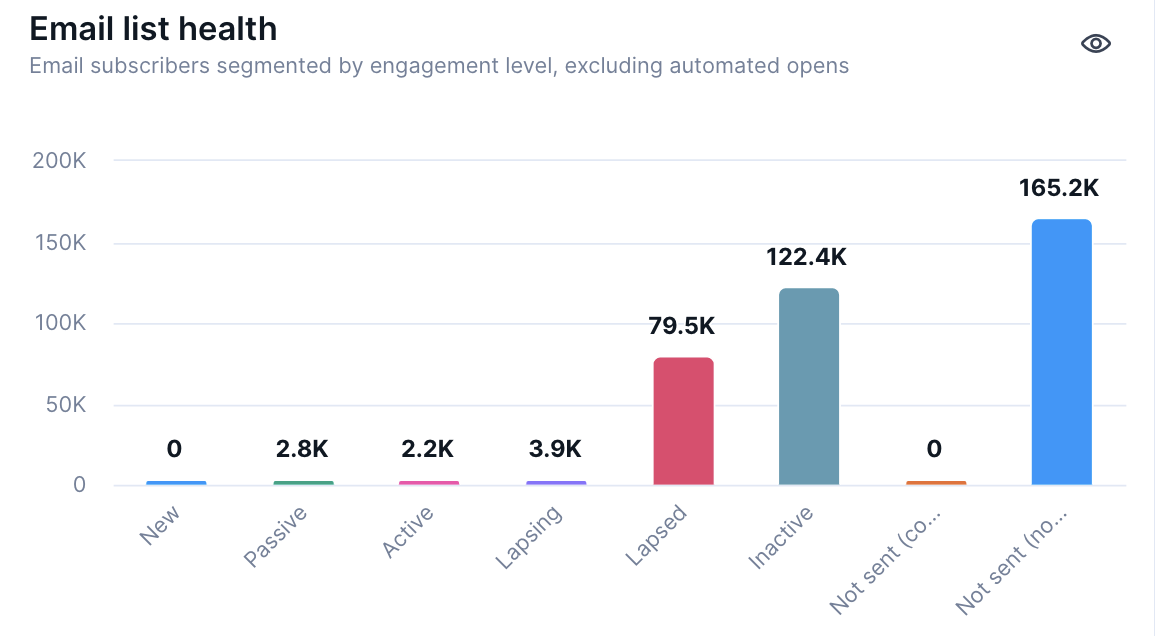
What changed:
- All chart visualizations now use updated, accessible colors.
- Yellow is no longer used in any charts.
What this affects:
- Prebuilt dashboards (for example, Performance dashboards)
- Custom analytics (autosegments, flows, funnels, geo analyses, predictions, reports, retentions, segmentations, SQL reports, trends)
- All chart types (area, bar, line, pie)
Impact:
- All charts—both new and existing—automatically reflect the new colors.
- Your data is unaffected.
- No action needed.