

🚀 Release 2026-12
Release date: Feb 4, 2026
TL;DR : Autosuggest blocklist rules are now Autosuggest exclusion rules with a new UI. Improved large media asset delivery. Support for bulk category/query entry in the Visual editor.
⚡ Improvements
More intuitive Autosuggest exclusion rules management
What's improved
-
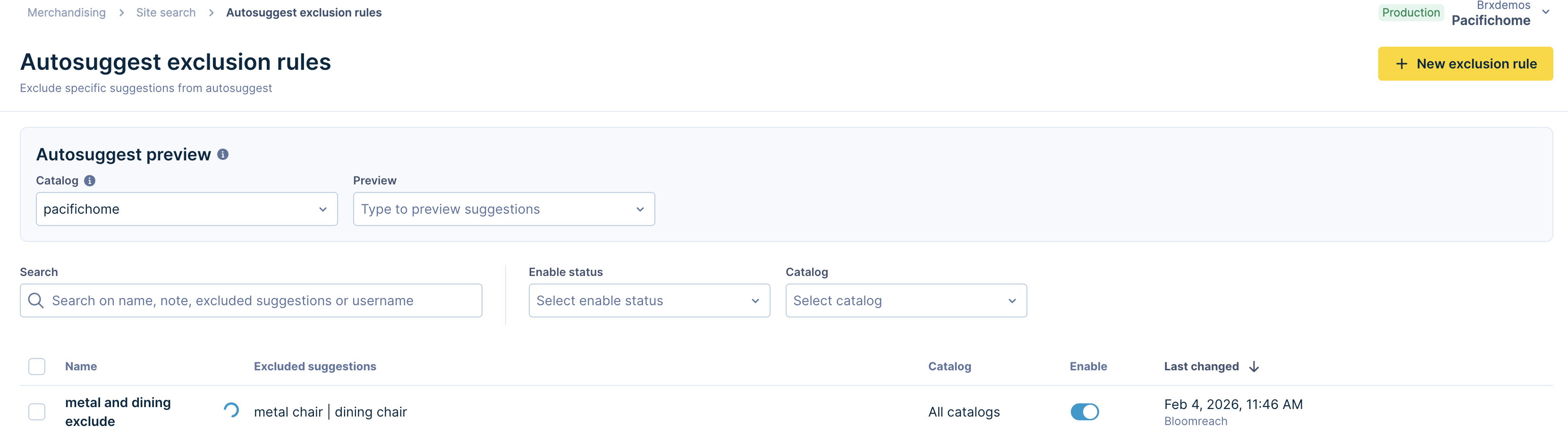
Autosuggest blocklist rules are now called autosuggest exclusion rules to maintain consistent terminology with other rule types.
-
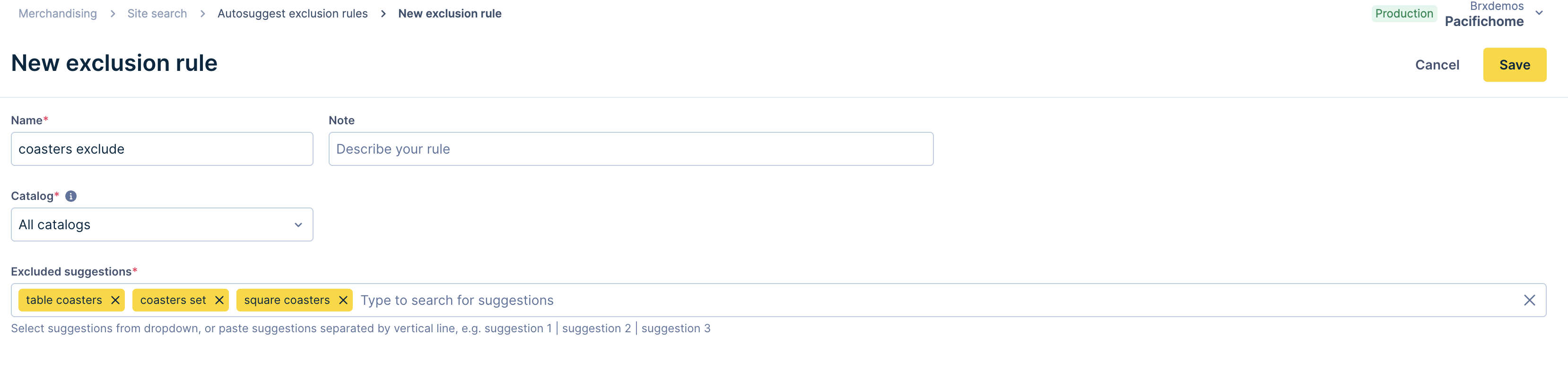
Redesigned Autosuggest exclusion rules page with a more intuitive interface.
-
Improved performance for faster updates.
Why it's valuable
The new interface lets you block unwanted suggestions with ease, helping you build a relevant suggestions experience.
Optimized delivery for large media assets
Media assets with more than 2000 characters now return as CDN-hosted files instead of inline content, reducing API response size and improving grid performance.
Note: Some accounts are temporarily excluded from the 2000-character limit until March 31, 2026. Contact your Customer Success Manager to check if this applies to your account. For all other accounts, the limit applies immediately.
What changed
- File-based delivery for large assets: Assets exceeding 2000 characters return a CDN URL in the
contentfield withcontentTypeset totext_fileorhtml_file. - Asset creation warning: When creating HTML or text assets over 2000 characters, you'll see a warning that the asset will be delivered as a file through the API.
- Smaller API payloads: Large content no longer inflates API responses, keeping them fast regardless of asset length.
- Consistent behavior: File-based assets work identically to inline assets for media rules, previews, A/B testing, and analytics.
Why it's valuable
- Create media assets of any length, from detailed buying guides to comprehensive campaign messages, without technical constraints.
- Maintain fast API responses and grid load times regardless of asset content length.
- Deliver content reliably through CDN with optimized caching and global availability.
Implementation required
Update your integration to detect and fetch text_file and html_file content types. See the technical integration guide for details.
Paste multiple categories and queries in Visual editor
What improved
Paste multiple categories or queries separated by a vertical line symbol (|), and the system automatically splits them into individual entries.
Why it's valuable
Improved efficiency by eliminating manual individual entries when creating query or category rules.